-162-
9.6 Updating the Firmware
The library firmware is updated from the remote management interface.
The drive firmware is updated from the remote management interface or by using the FUP tape.
9.6.1 Confirming the Firmware Version
You can confirm the version of the library and drive firmware from the remote management
interface or the operator panel.
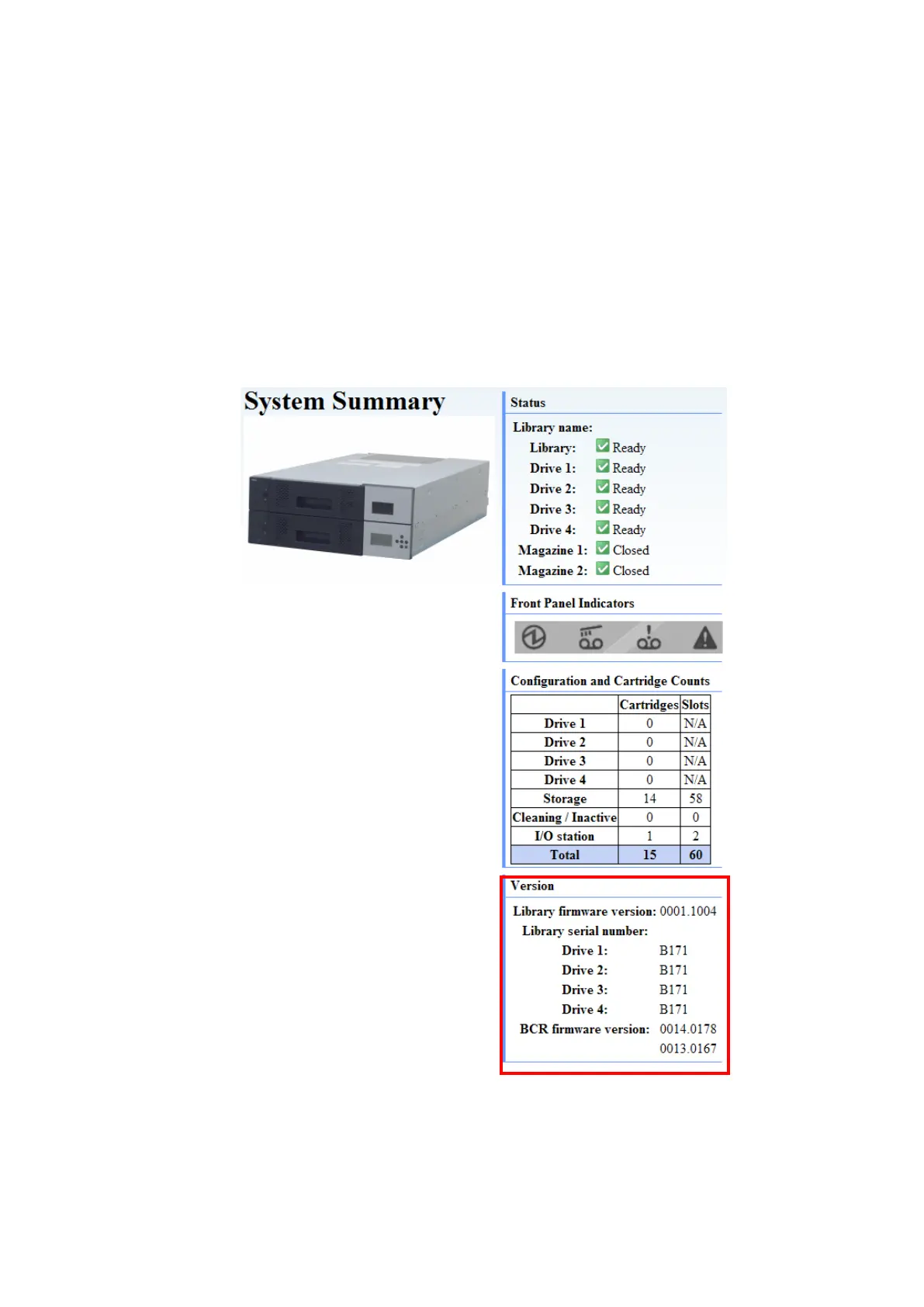
1. Checking the firmware version from the remote management interface
Log into the system as a user with maintenance personnel authority. You can confirm the library
and drive firmware versions by checking [Version] under [System Summary] in [Monitor
Library].
Figure 9-1 Confirming the Firmware Version



 To Next Page