-101-
5.6.5.2 Physical View (Physical)
[Configure Library] - [Physical] Service/Administrator
[Function]
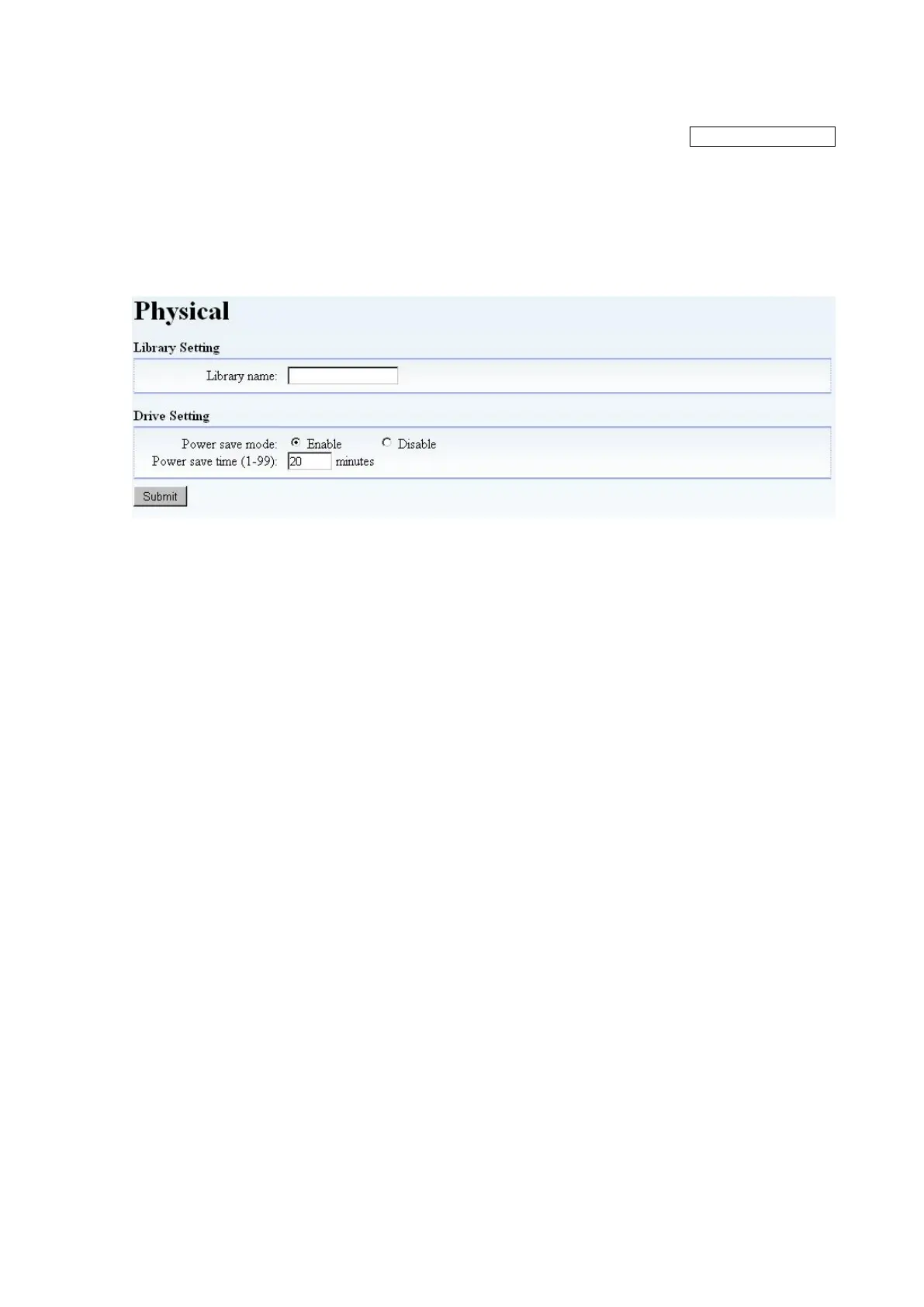
This window is used to set the Library name.
[Information]
Figure 5-20 Physical
1. Library name
The Library's name can be registered.
2. Power Save mode
Configure the power save mode of a drive.
Enable: Power-save mode validity
Disable: Power-save mode invalidity
Time to shift to power-save mode further is set up at the time of Enable.
(Default value: 20 minutes)
3. Submit button
Click this button to confirm the settings. When complete, a Normal End message will appear.



 To Next Page