-152-
7.3 Install of activation key
This section provides the procedure of installation activation key.
1) Register activation key.(Refer to 5.6.5.10)
2) The power source module is installed.
3) Stick the name of product label attached to a license option in the label plate installed in the
rack mount kit back side.
Chapter8 Cartridges
This chapter describes handling of the cartridges used by the Library, and how they are used.
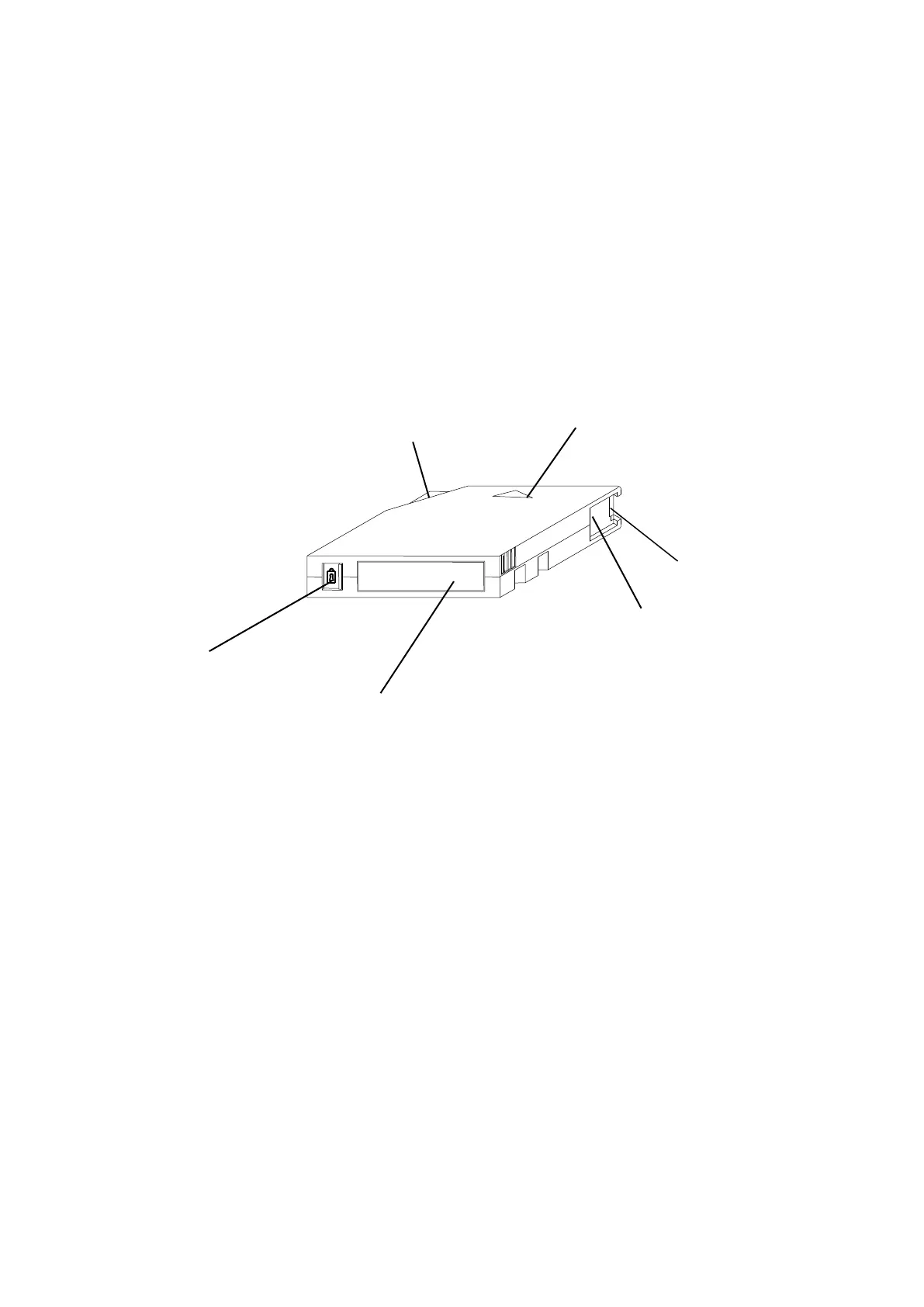
The various parts of the data cartridge are outlined below.
Figure 8-1 Names of Cartridge Parts
Cartridge door
(shown here as open)



 To Next Page