-57-
4.5 Configuring the Library
This section describes Library configuration,setting of the drive, changing of the password , and
setting for I/O station.
4.5.1 Viewing Configuration data of the library
Take the following steps to view the configuration data of the library.
1) [Login]. See Section 4.3Login for detail.
2) Select [Current Information].
3) Select [Setting Information] from [Current Information].
The configuration information of the library is displayed.
To view the firmware version of the library, select [View Revision] from [service] of [Top menu].
4.5.2 Change password
The following describes how to change the password used during login.
1) [Login]. See Section 4.3Login for detail.
2) Select [Configuration].
3) Select [OP Panel Settings] from [Configuration].
4) Select [Change Password] from [Configuration].
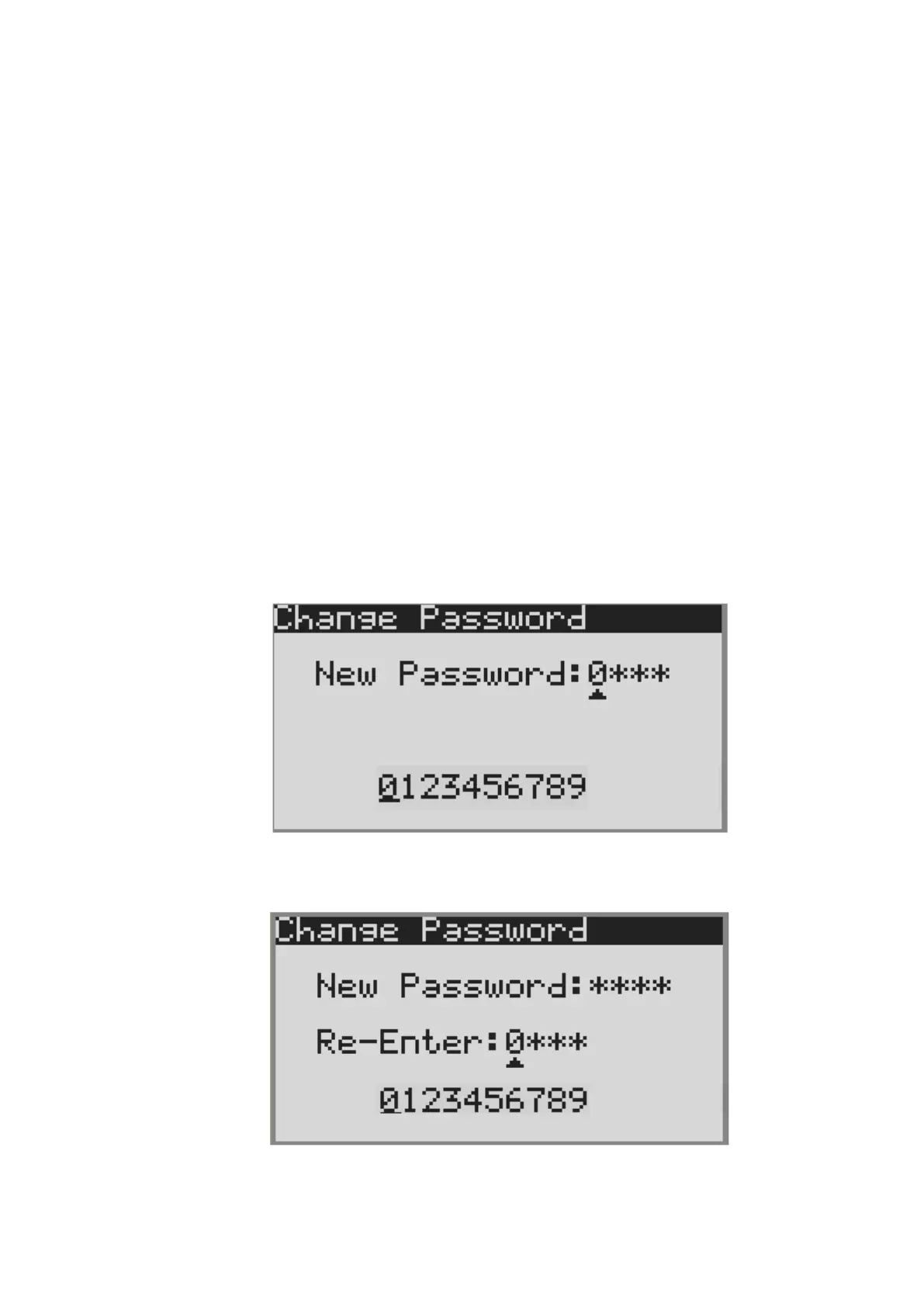
5) The following password input menu will appear.
Enter a new four-digit password.
6) Next, retype the password that you entered at step 5).
7) If the password entered in step 5) and 6) match, the following message will appear.



 To Next Page