-14-
1.6 Unpacking
1.6.1 Unpacking
The rack mount kit includes the following parts.
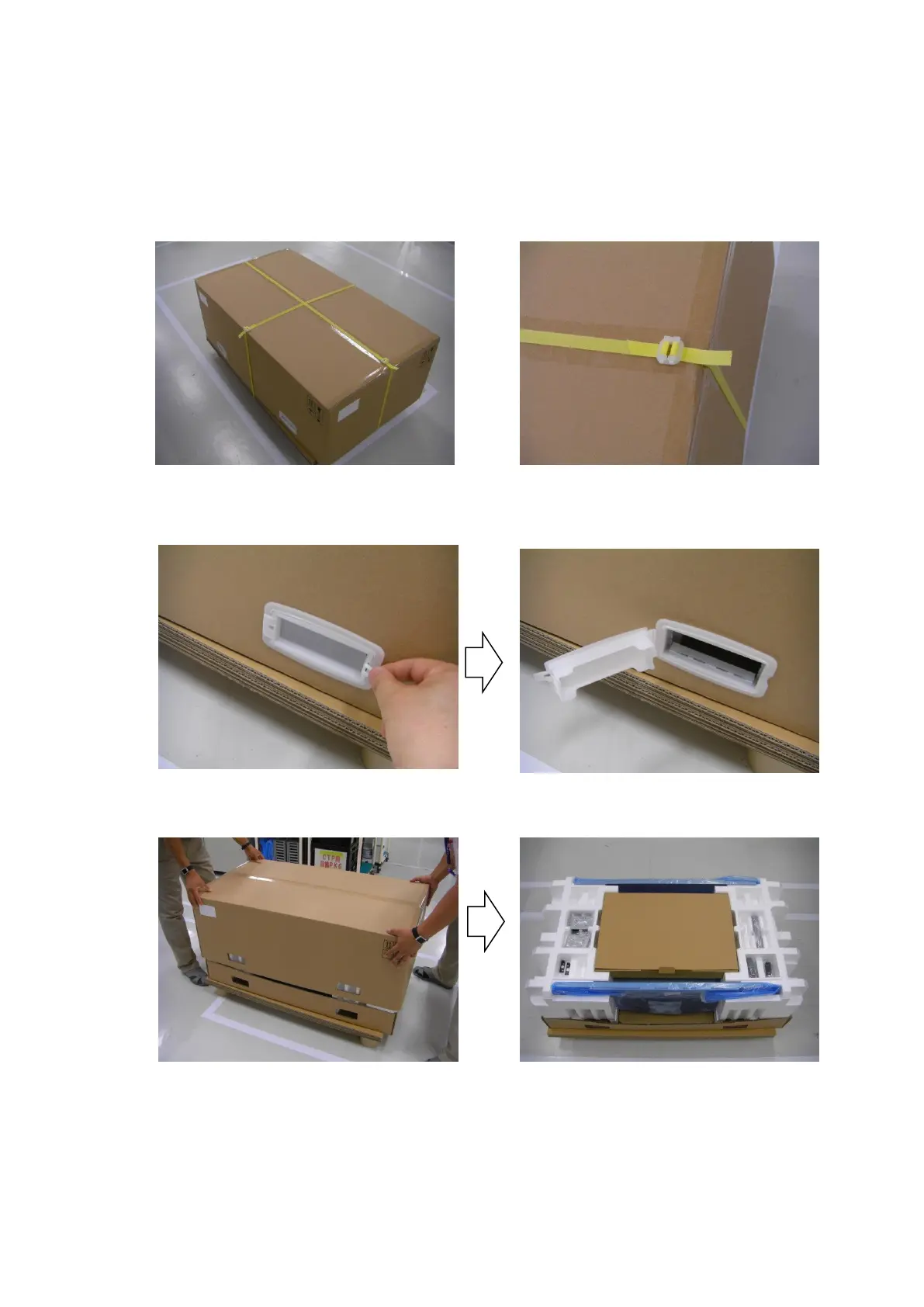
1. Unlock the strap (two places).
2. The exterior box has two fasteners, called joints, one on each side.
Pull the tab at the right end of the joint toward you and remove the joint.
3. Hold the corners of the exterior box, and pull up the box slowly.
Take out the accessory container, which contains the AC power cable and other accessories.



 To Next Page