-190-
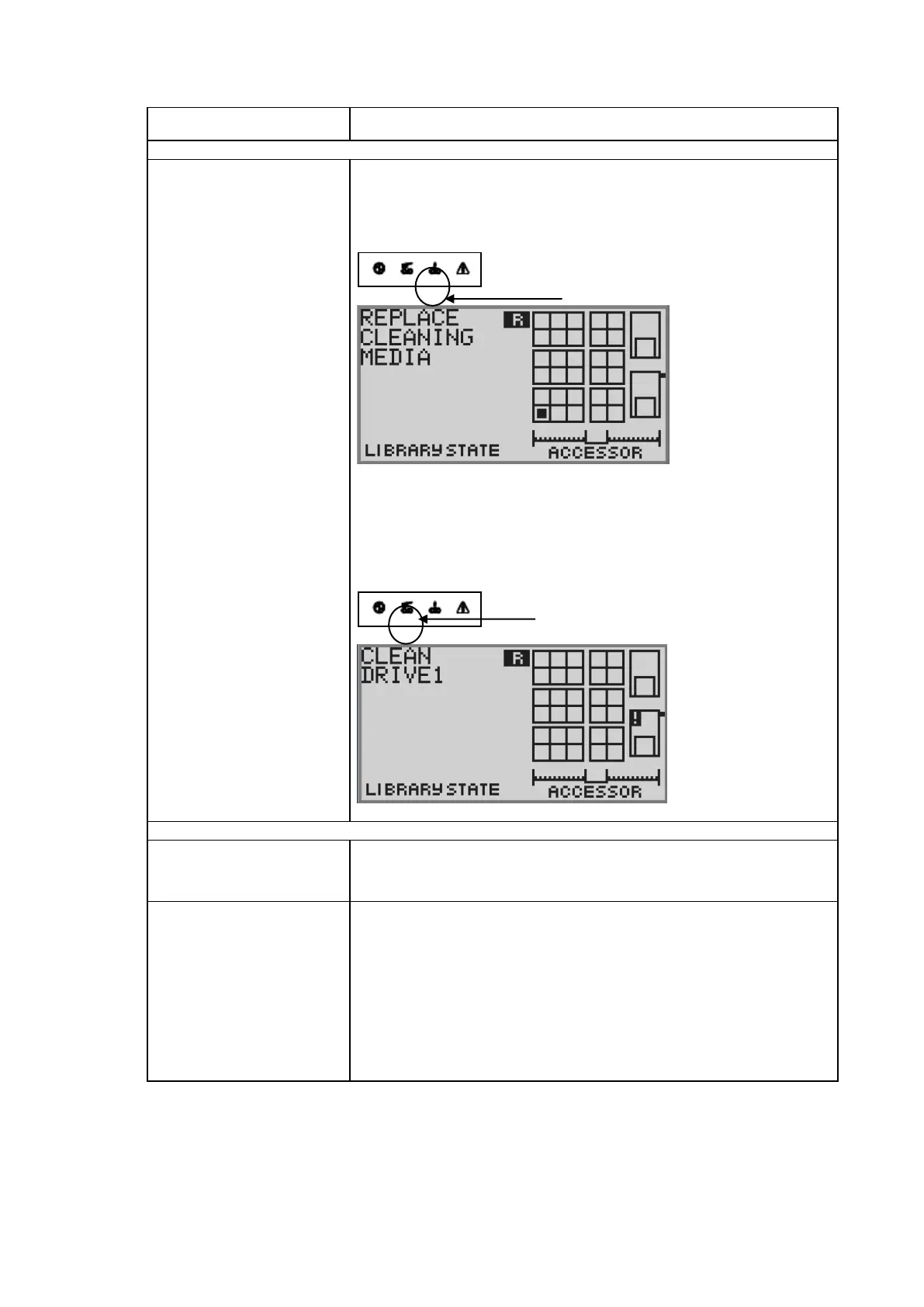
Request for cleaning the
drive is repeatedly displayed.
・Replace the cleaning cartridge with new one and perform cleaning.
(Reference)
when using a laundry tape until use frequency restriction,
it'll be the following indication.
(Example)
・When the message to request for cleaning by a liquid crystal display is
also indicated after cleaning of a drive, a cleaning tape is exchanged.
(Reference)
when requesting for cleaning from a drive, it'll be the following indication.
(The example when requesting for cleaning from drive #1,)
The cartridge remains in the
drive.
・Confirm the setting of the backup application
(Change to specification that does Eject after the backup ends)
・Execute [Unload Drive] from [Commands].
1. Check which error code is shown on the operation panel.
2. Check the status of cartridge, accessor, and/or drive through the internal
check window.
a) All the cartridges are completely inserted and secured in correct
direction.
b) No foreign object exists at the bottom of the library.
c) Check the drive status.
3. Power off the library.
4. Check if the drive pack is completely secured.
5. Power on the library.
12.2 When you request maintenance
When you request maintenance to repair or replace one or more devices, write down the lamp
indication and the message on the LCD display. The information is valid for maintenance.



 To Next Page