-100-
【Removing a current user】
1. Select the user to remove from Current Users list.
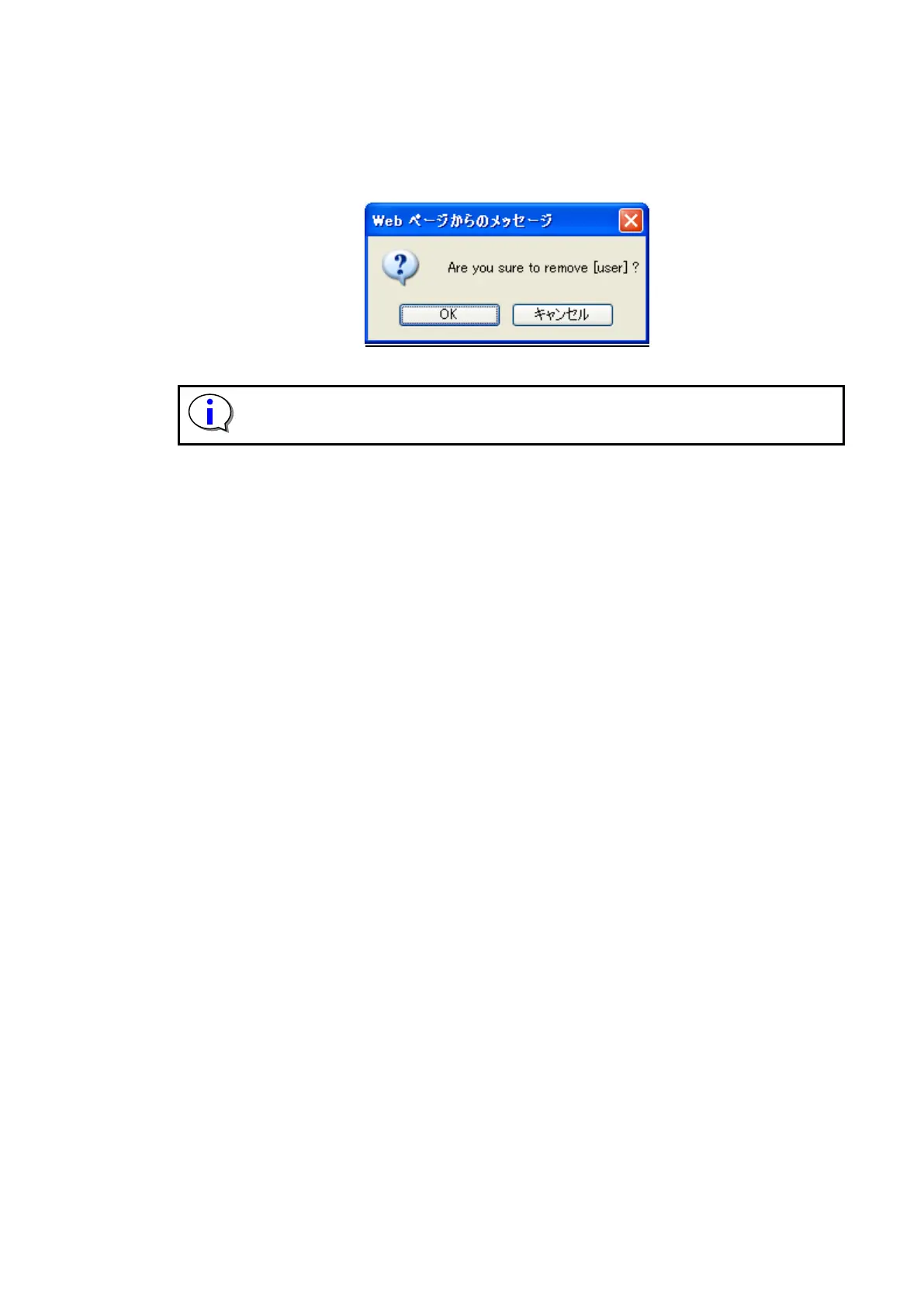
2. When "Remove" is selected, the following dialog box is displayed.
3. Select "Yes" to remove the user.
Figure 5-19 Remove a User confirmation screen
The user himself cannot be deleted.
Service cannot be displayed the user of the Admin authority, be changed, and be
encrypting set deleted effectively.



 To Next Page