-98-
5.6.5 Library setting (Configure Library)
5.6.5.1 Account setting (User Access)
[Configure Library] - [User Access] Service/Administrator
[Function]
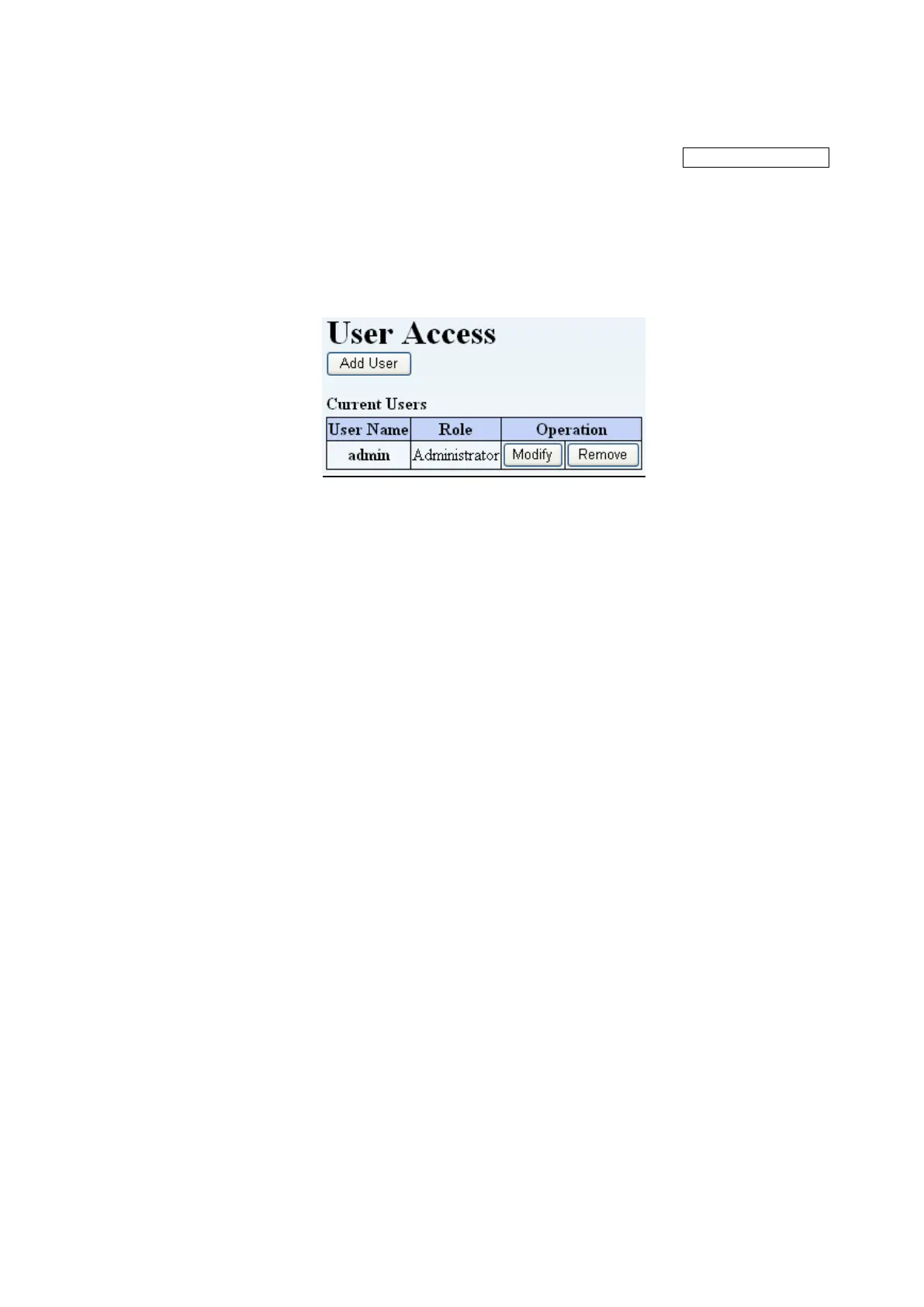
This window is used to add, modify, or remove users with login access.
To add a user, use the Select Action scroll box to select "Add User", and to remove a user, first
select the current user to be removed, then use the Select Action scroll box to select "Remove Users".
[Information]
Figure 5-17 UserAccess
1. Add User button
When "Add User" button is clicked, users can be newly registered.
2. Current Users
This lists the currently registered users.
3. Remove User button
When "Remove User" button is clicked, users can be removed.



 To Next Page