-99-
[Adding a new user]
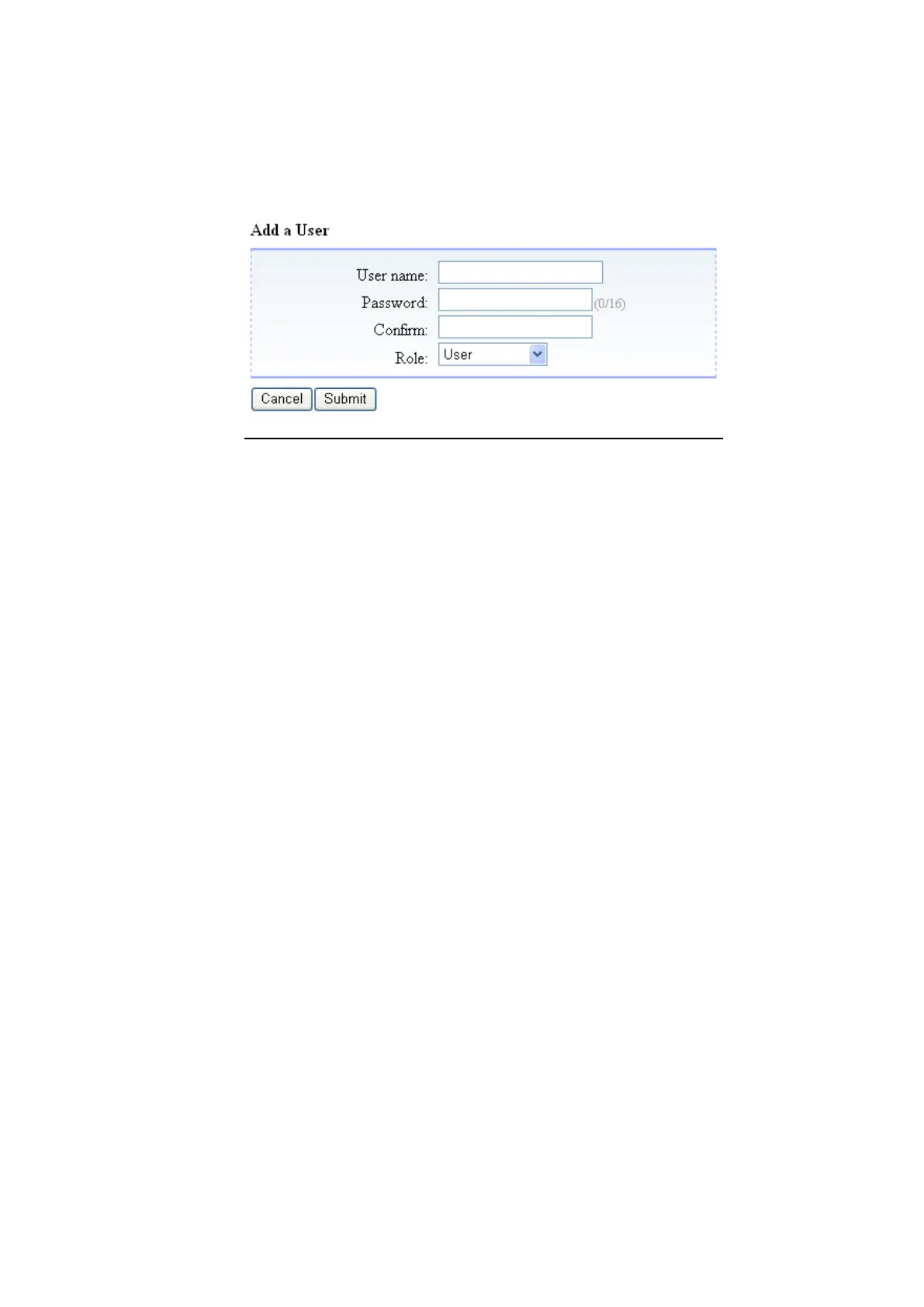
1. When "Add User" button is clicked, users can be newly registered.
2. After entering items in the Add a User window, click "Submit" to register a new user.
[Information]
Figure 5-18 Add a User
1. User name
Enter the user name to be registered.
2. New password
Enter a password for the user to be registered.
3. Confirm password
Enter the password again for confirmation. (Enter the same new password.)
4. Role
Select a user level (User, Super user, Administrator) from the list.
Administrator
Superuser
User
5. Cancel button
This closes the form without saving the "Add a User" information.
6. Submit button
This saves the information in the "Add a User" form.



 To Next Page