-112-
5.6.5.8 Encryption Basis
[Configure Library] - [Encryption Basis] Administrator
[Function]
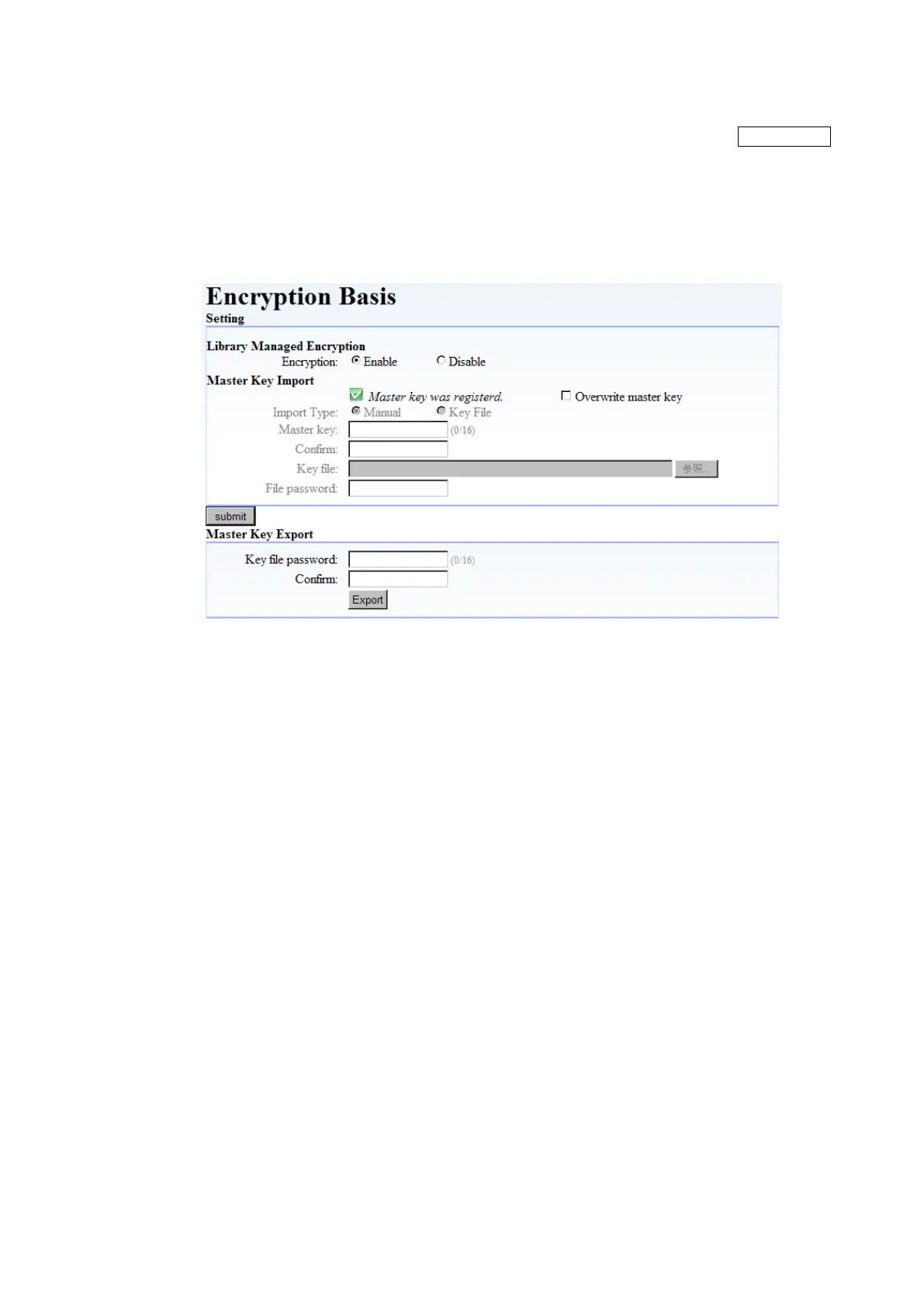
This window is used to set the encryption basis setting.
Please refer to section Chapter6 for details.
[Information]
Figure 5-28 Encryption Basis setup
1. Library Managed Encryption
This sets library managed encryption setting as enabled or disabled.
2. Master Key Import
This sets master key.
・Master Key was registered.:It is shown that the master key is registered.
・Overwrite master key: Check in overwriting the master key.
3. Submit button
This button is used to confirm each setting.
4. Master Key Export
This is used to export master key.



 To Next Page