-178-
10.10 Replacing the Air Filter
1. Remove the front magazine whose air filter is to be replaced from the library. (See
"4.6.1.1Removing Magazine.")
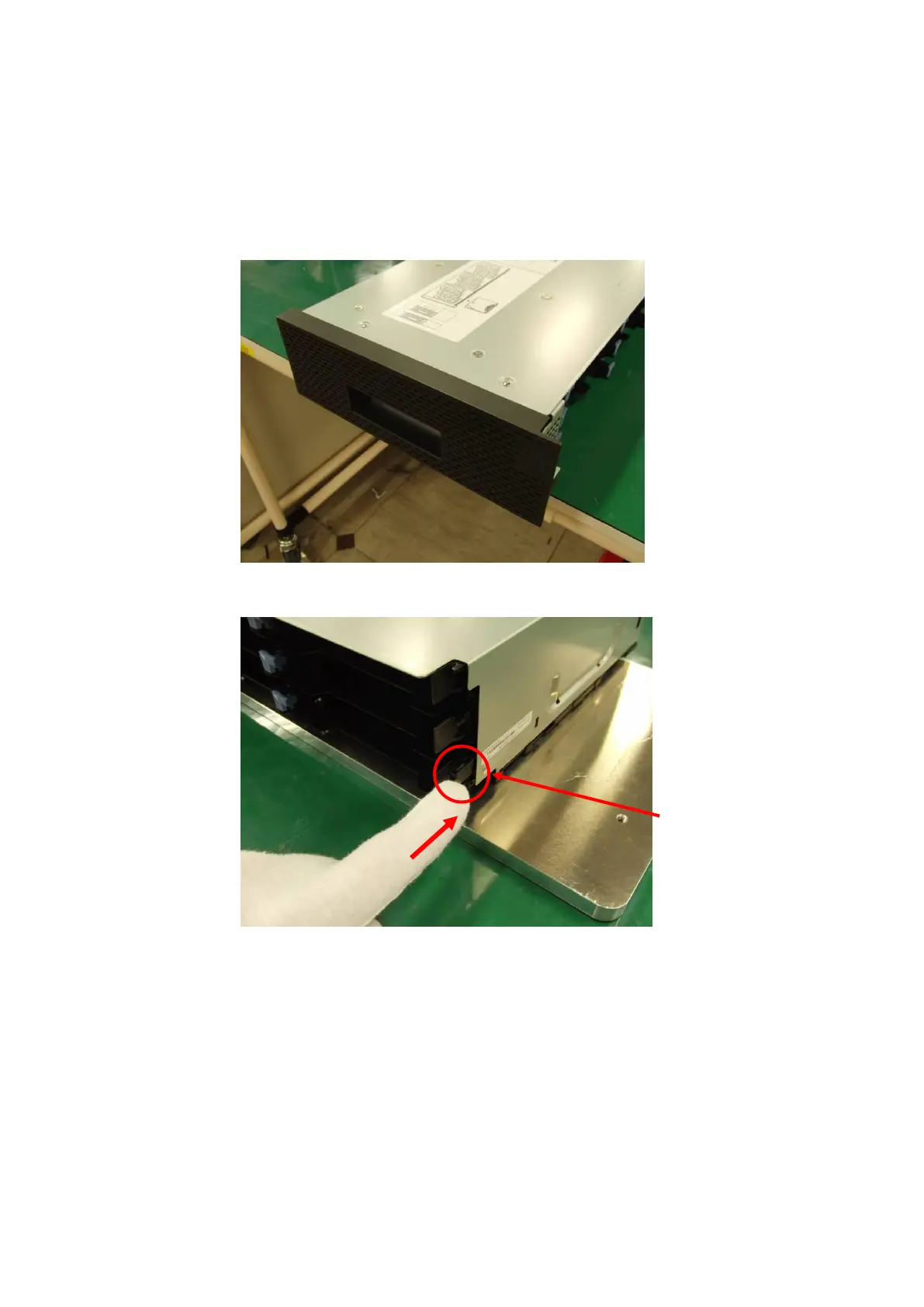
2. Place the front magazine on a stable place such as a desk. Make sure that the bezel section is
positioned over the edge of the desk so that it does not touch the surface of the desk, as shown in
the figure below.
3. Push the I/O station unlock lever at the back of the front magazine in the direction of the arrow.



 To Next Page