-60-
4.5.3.2 Setting of Fibre Channel
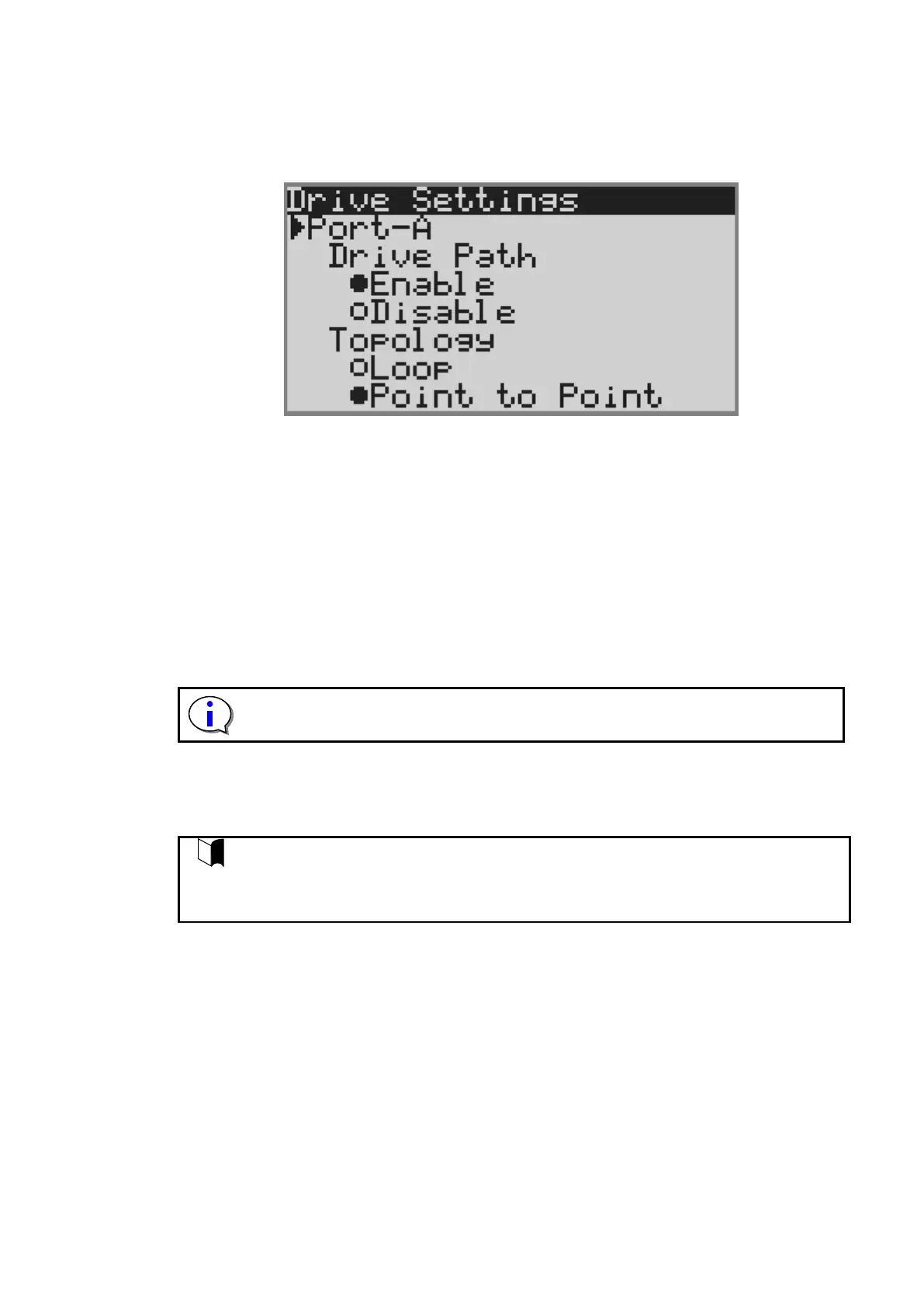
This section describes how to set Fibre channel interface configuration for tape drive installed in the
unit. In case of FC drive, set drive path , topology , loop ID , Link Speed and robot control path.
1) The following screen will appear after selecting SAS drive.
1.Setting of drive path
1) Select either of Enable , Disable.
2) Selecting [Apply], the port of the drive is reset,and the setting is applied.
2.Setting of Topology
1) Select either of Loop , Point to Point.
2) Selecting [Apply], the port of the drive is reset,and the setting is applied.
3.Setting of Loop ID
1) Select [Set Loop ID].
2) Input three-digit number for Loop ID.
3) Selecting [Apply], the port of the drive is reset,and the setting is applied.
The valid value for Loop ID is in the range between 000 and 125.
4.Setting of Link Speed
3) Specify the link speed from Auto Negotiation, 8Gbps, 4Gbps, 2Gbps, or 1Gbps.
4) Selecting [Apply], the port of the drive is reset,and the setting is applied.
Setting of Fibre Channel:
Selecting [Apply], the port of the drive is reset,and the setting is applied.
If [Apply] is selected after all of 1(Topology), 2(Loop ID) and 3(Link Speed) are set,
setting can be set by port reset only once.



 To Next Page