-109-
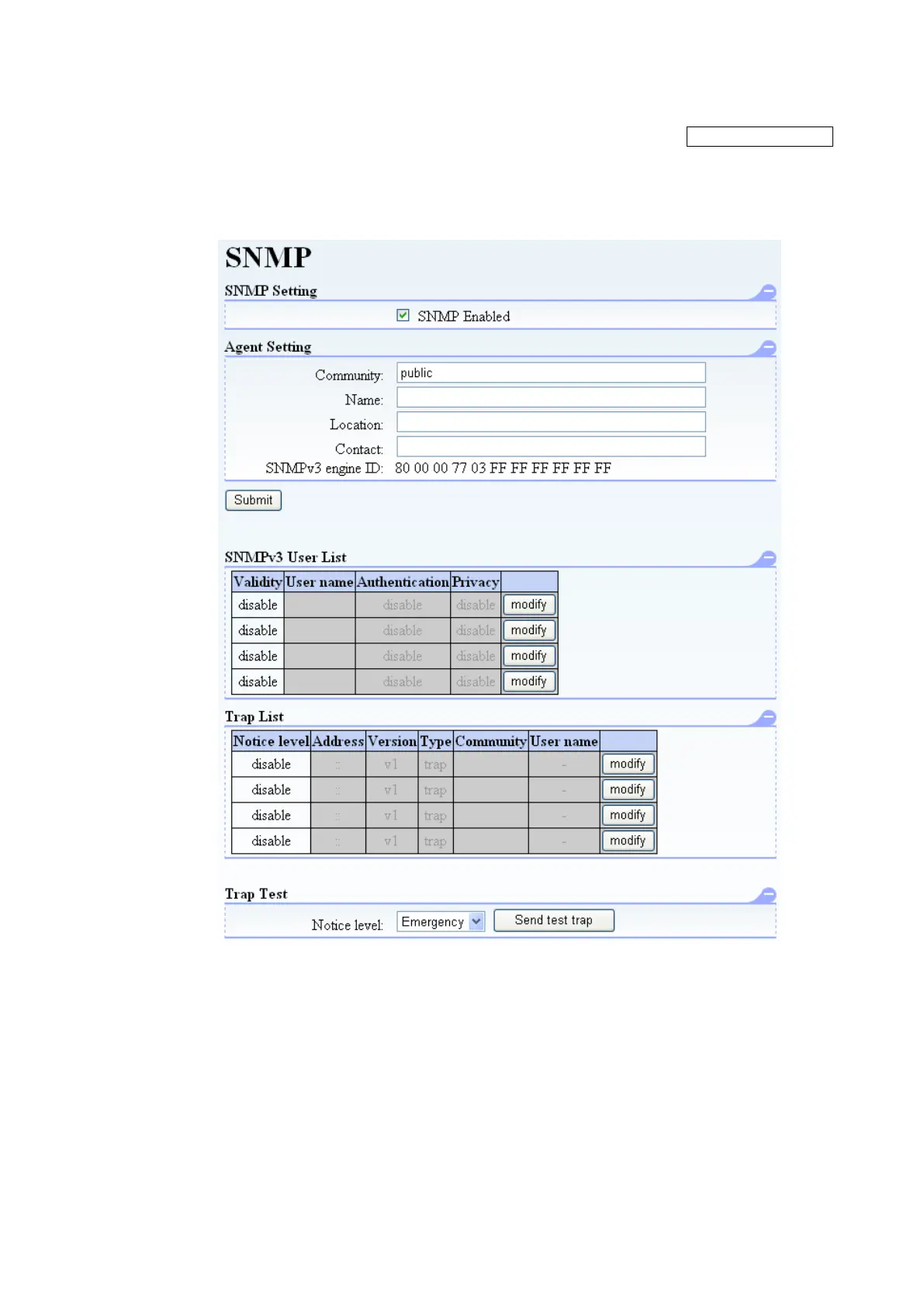
5.6.5.7 Event Notifications setup window (SNMP)
[Configure Library] - [SNMP] Service/Administrator
[Function]
This window is used to set the destination to notify the Library information via SNMP.
[Information]
Figure 5-25 SNMP setup
1. SNMP Enabled
The SNMP function is made effective.
Trap is not transmitted in the state where SNMP Enabled is not checked.
Since a setup of Community of Agent Setting is indispensable, an SNMP function does not
become effective unless Community is set up.
2. Agent Setting
These are general settings for SNMP.
Community:
Set the SNMP's community name.
Name:
Set the device name.



 To Next Page