-59-
4.5.3 Setting of Drive
This section describes how to set configuration for tape drive installed in the unit.
1) [Login]. See Section 4.3Login for detail.
2) Select [Configuration].
3) Select [Drive Settings] from [Configuration].
4) Select the drive to set change.
5) Refer to 4.5.3.1at the SAS drive. Refer to 4.5.3.2 at the FC drive.
4.5.3.1 Setting of Serial Attached SCSI
This section describes how to set SAS(Serial Attached SCSI) interface configuration for tape drive
installed in the unit.In case of SAS drive, set drive path and robot control path.
Refer to 4.5.3.3 Setting robot control path in the setting of the robot control path.
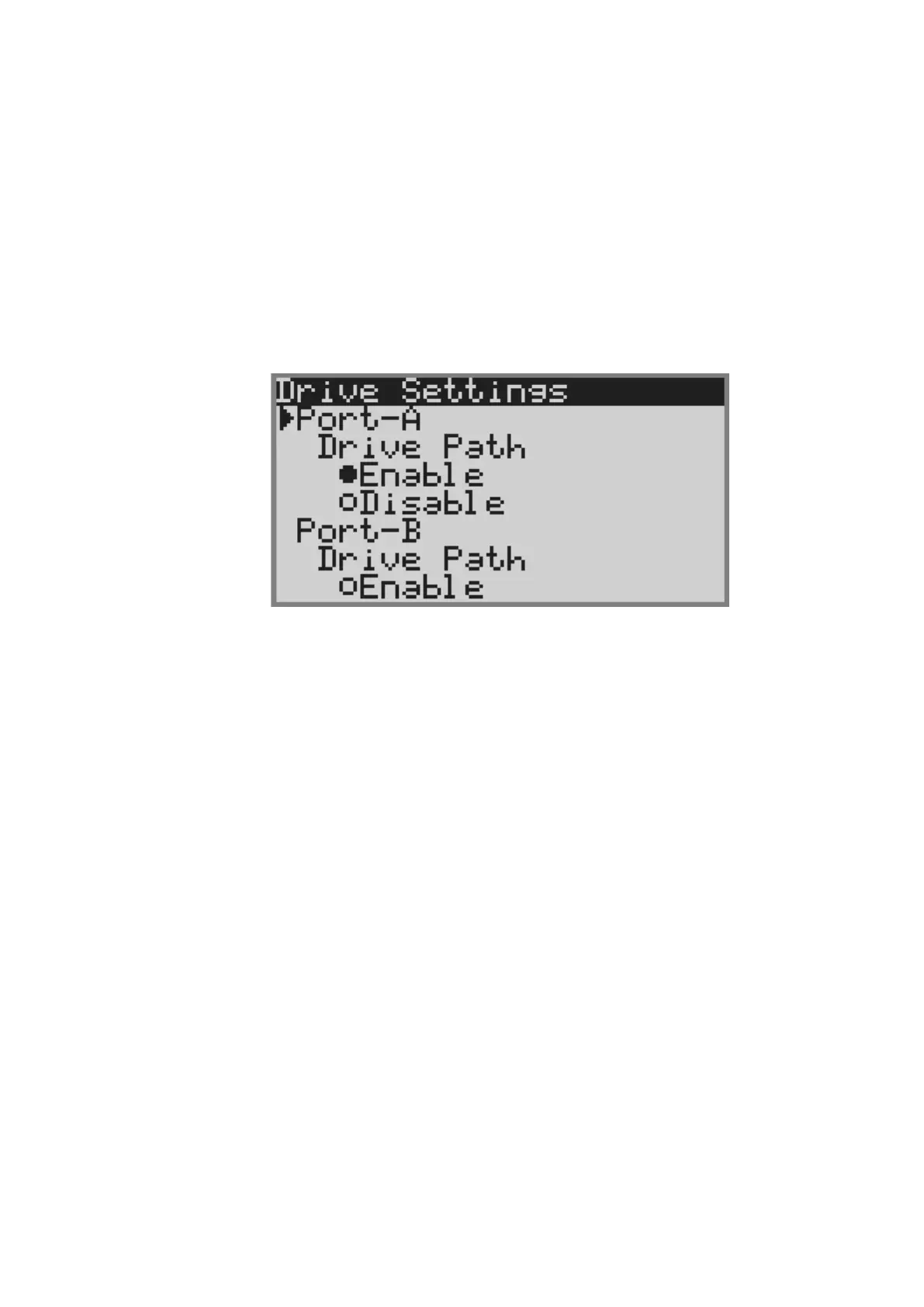
1) The following screen will appear after selecting SAS drive.
1.Setting of drive path
1) Select either of Enable , Disable.
2) Selecting [Apply], the port of the drive is reset,and the setting is applied.
2.Setting of Link Speed
1) Specify the link speed from 3Gbps, 6Gbps.
2) Selecting [Apply], the port of the drive is reset,and the setting is applied.



 To Next Page