-139-
6.3.1.1 Setting tape medium encryption
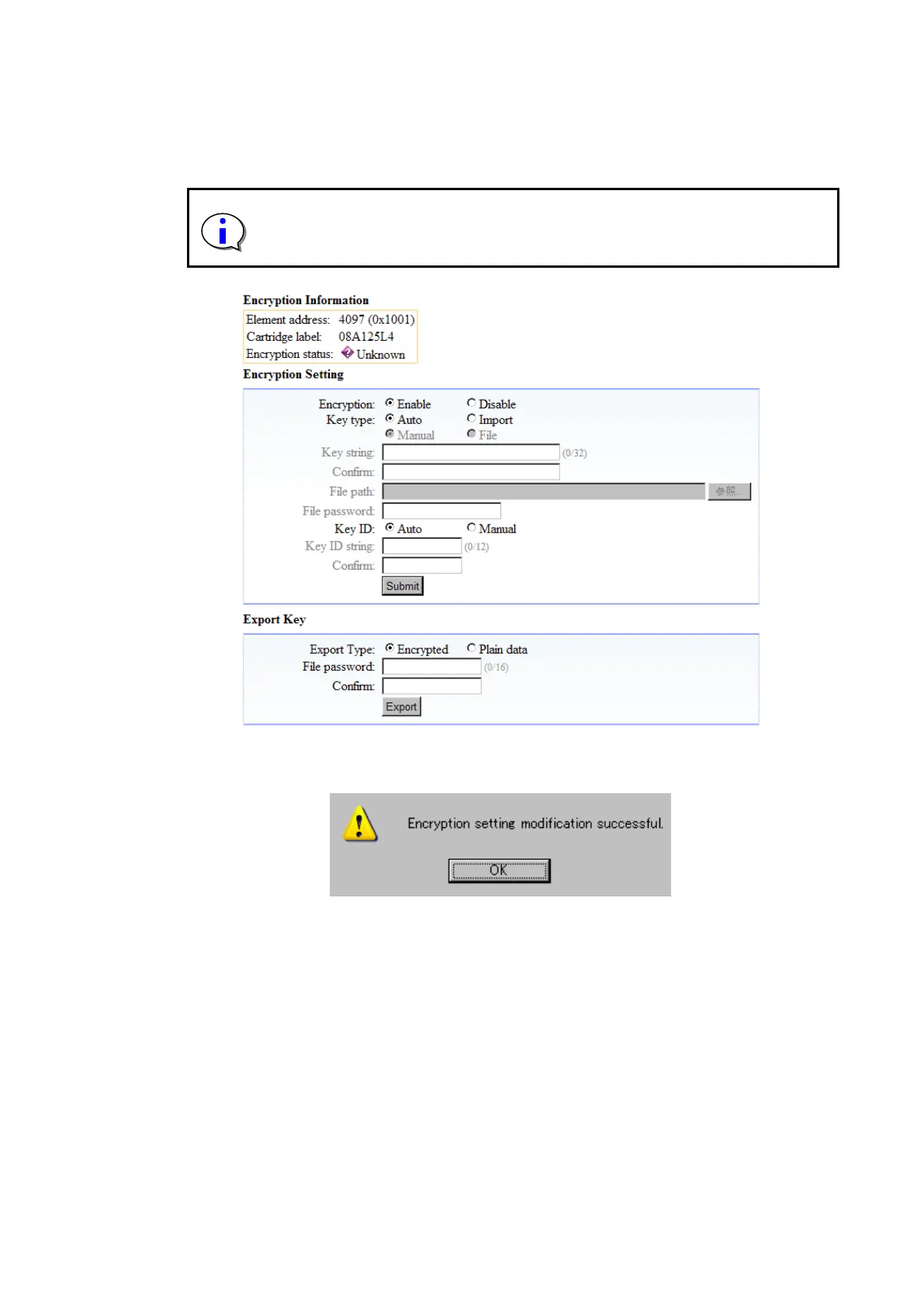
To change the encryption setting for a tape medium, change the setting for “Encryption”, and then
click “Submit”.
Although tape medium can contain encrypted data and plain text data at the
same time, it is not possible to determine which data is encrypted. Therefore, be
sure to use single encryption setting for each tape media. (Do not mix encrypted
and plain text data.)
Figure 6-10 Encryption Setting
When you click “Submit”, the message below should appear. Click “Yes”.



 To Next Page