-176-
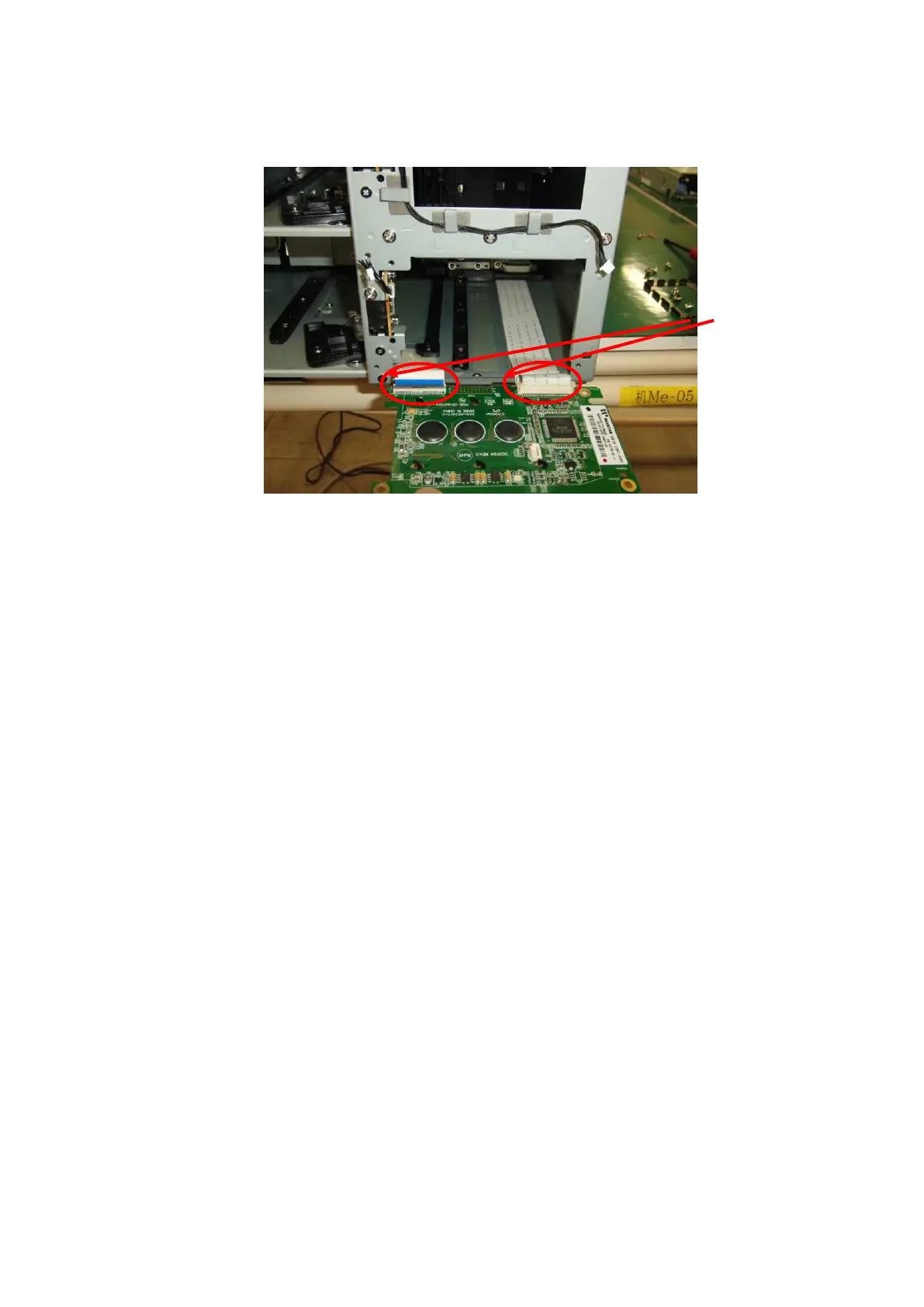
4. Remove the FFC cable from the two operator panel PKG connectors shown below, and demount the
operator panel PKG.
5. Mount the operator panel PKG using the opposite procedure to the procedure used to demount it.
Confirm that the FFC cable is latched and mount the operator panel PKG.
6. Mount front bezel R and the front magazine. This completes replacement.
7. Turn on the power to the library.
8. Confirm that the operator panel displays properly and that pressing buttons is recognized normally.



 To Next Page