14-2
14.1 Selection of rinsing mode
(1) Check that rinse menu screen is displayed.
(2) Press [F・1], [F・2], [F・3] or [F・4] SW to select rinsing mode in rinse menu screen.
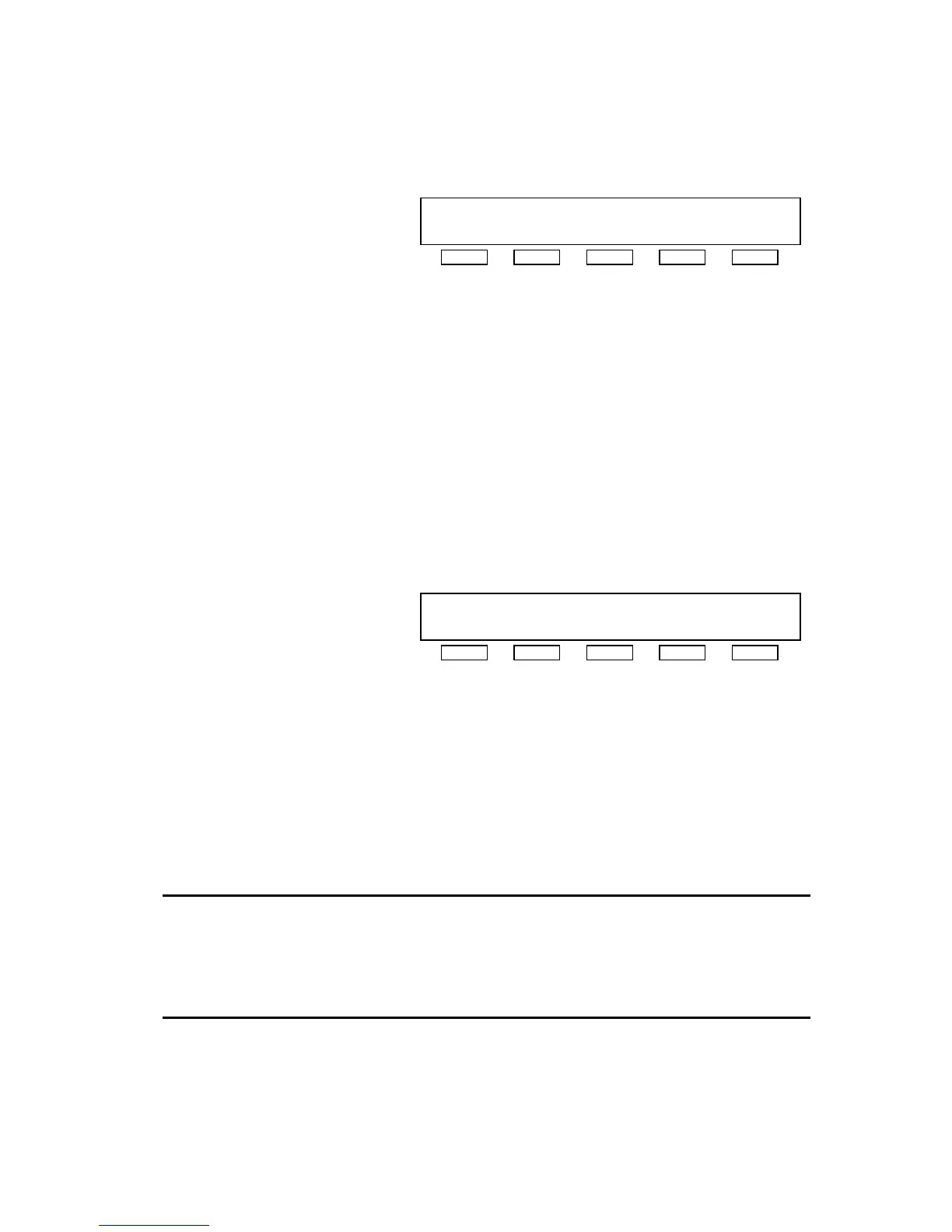
[RINSE MENU]
RINSE1:WATER RINSE3:AUTO1 C&D
RINSE2:CHEMICAL RINSE4:AUTO2 C&D
RINSE1 RINSE2 RINSE3 RINSE4 DISP.
zRINSE1(WATER) :Execution of water rinsing for specified time
zRINSE2(CAHEMICAL) :Execution of disinfection/rinsing for specified time
zRINSE3(AUTO1 C&D) :Execution of set rinsing pattern for set time
Also possible program setting of prerinse start time
zRINSE4(AUTO2 C&D) :Same as the case of RINSE3(AUTO1 C&D)
14.2 Setting of rinsing pattern (example: RINSE4 (AUTO2 C&D))
(1) Check whether rinse mode is same as selected one.
zCurrent time is displayed at position next to title.
(2) Press [F・3] or [F・4] SW to shift blink to position for the setting is changed.
(3) Press [F・1] or [F・2] SW to change set value.
(4) Check whether the setting is correct.
[RINSE4] 20:15 < Wait >
WTR30→CHM30→DWL30→PRE30→-----→-----
PRERINSE START TOMORROW 10:00
+ - < > MENU
zWTR※※ :Execution of water rinsing for ※※ min
zCHM※※ :Execution of disinfection/rinse for ※※ min
zACD※※ :Execution of acid rinsing for ※※ min
zDEL※※ :Execution of dwelling for ※※ min
zPRE※※ :Execution of prerinsing at set time
z----- :No execution
zPRERINSE START :Setting of prerinse start time
NOTE
z When RINSE1 or RINSE2 is selected, only rinsing time can be set.
z When acid rinse port unit (option) is not used, simultaneous setting of both
disinfection/rinsing and acid rinsing in RINSE3 or RINSE4 mode is disabled.
z Refer to the option manual for setting. Set up hot water rinse (HWR) and hot chemical
disinfectant rinse (HCM) already have hot rinse option.



 To Next Page