Chapter 9
DISPLAY
LCD is used to display various dialysis related information and parameter setting screens in
area of 40 letters×4 lines.
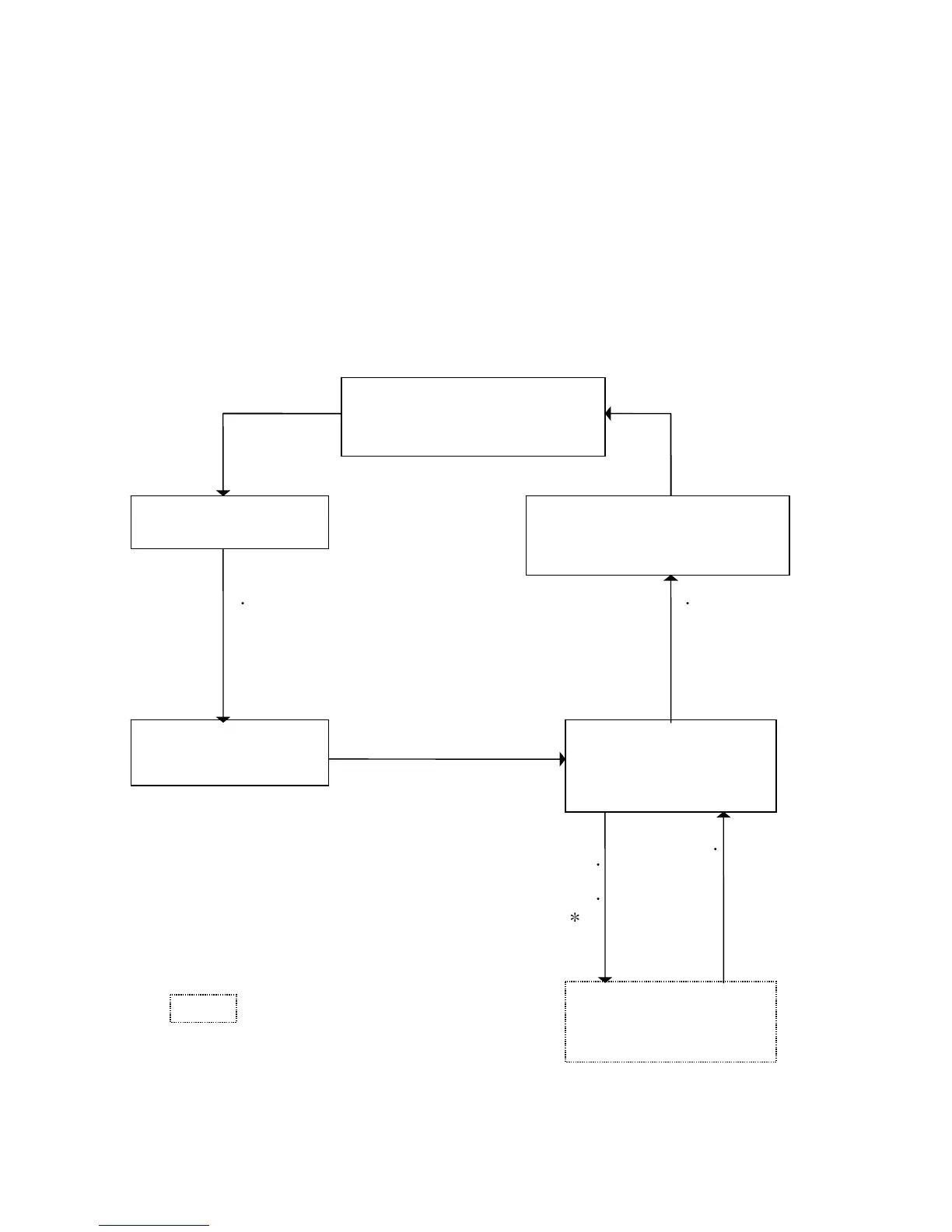
Many information and parameter setting screens are available. Desired mode screen can be
displayed by SW operation on operation panel.
[F・5] SW (DISP.) Rinsing operation screen (9.3) [F・5] SW (DISP.)
Dialysis operation screen (9.4)
SettingⅠscreen (9.5) Alarm screen (9.8)
※ Only when alarm is actuated
[F
・
5] SW (DISP.)
[F
・
5] SW (DISP.)
SettingⅡscreen (9.6) Maintenance
[F・5] (DISP.) SW menu screen (9.7)
[F
・
5] SW (MENU)
[F
・
1][F
・
2] SW
(MODE
*
)
…See “Service Manual”. Maintenance
1-10 screens
9-1
Fig. 9-1 Screen flow



 To Next Page