16-14
16.10. Setting of single needle dialysis related parameters
1. Turn on single needle SW.
2. Set single needle changeover values.
16.10.1. Single needle SW ON
(1) Press [F・5] SW to display dialysis screen.
(2) Press [F・1] SW to enable single needle dialysis.
(3) Check indication of <SINGLE.N>.
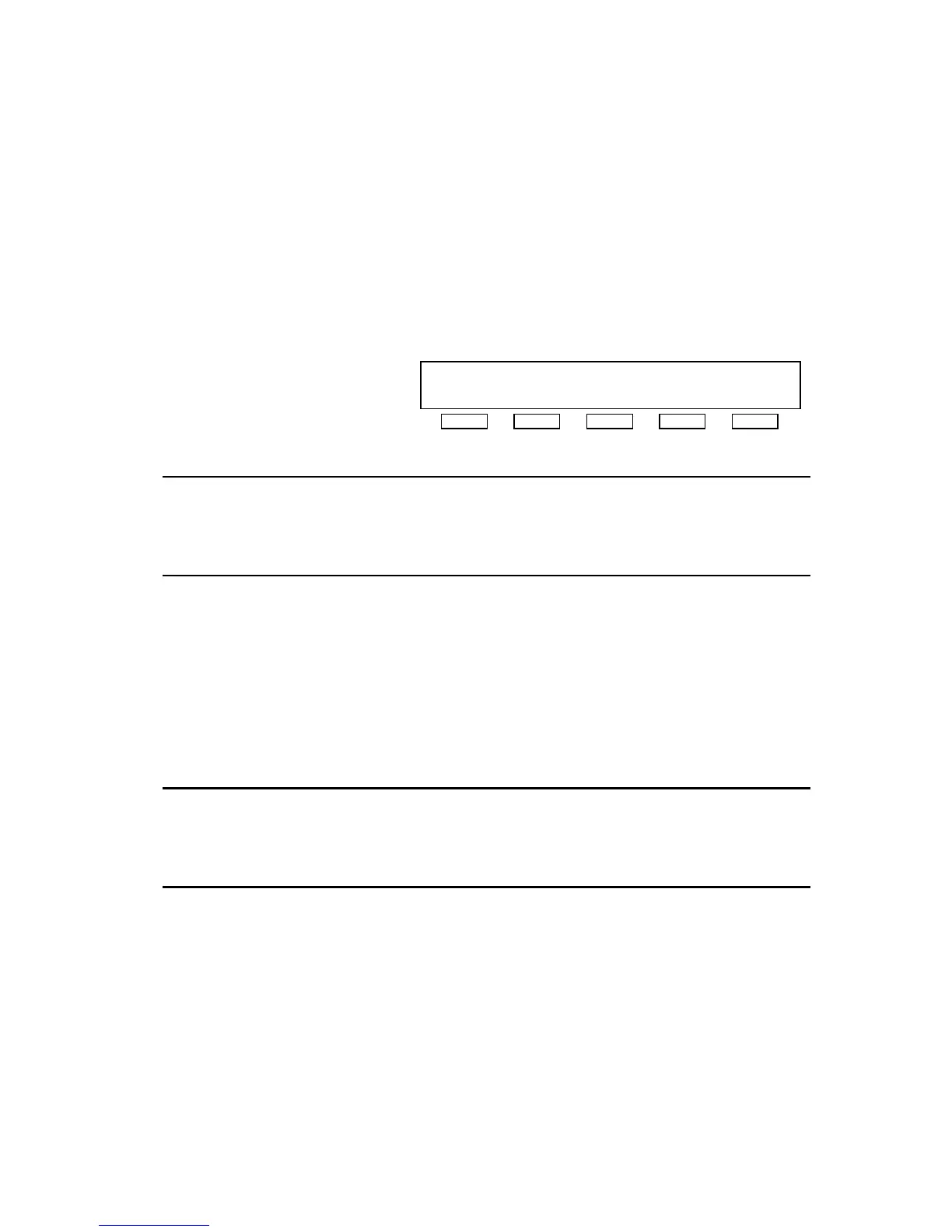
[DIALYSIS] <SINGLE.N>
VP: 140mmHg DP: 100mmHg COND:14.0mS/cm
AP:-100mmHg TMP: 40mmHg TEMP:37.0゜C
S.N. SQHD PRIM TEST DISP.
NOTE
z By turning on single needle SW, changeover and alarm points are indicated in venous
pressure indicator. Inside point shows single needle changeover point and outside point
shows single needle alarm point.
z Press [UF DIALYSE] SW to start single needle dialysis.
16.10.2. Setting of single needle changeover values
Set upper and lower single needle changeover values manually.
(1) Set the upper limit by operating [<] or [>] for upper venous pressure alarm limit
setting.
(2) Set the lower limit by operating [<] or [>] for lower venous pressure alarm limit setting.
(3) Check correct setting.
NOTE
z By setting single needle changeover value, single needle alarm value is also set
automatically.
z If the changeover value is not set manually, the value is set automatically by pressing
[UF DIALYSE] SW.



 To Next Page