9-3
9.1. Layout of display
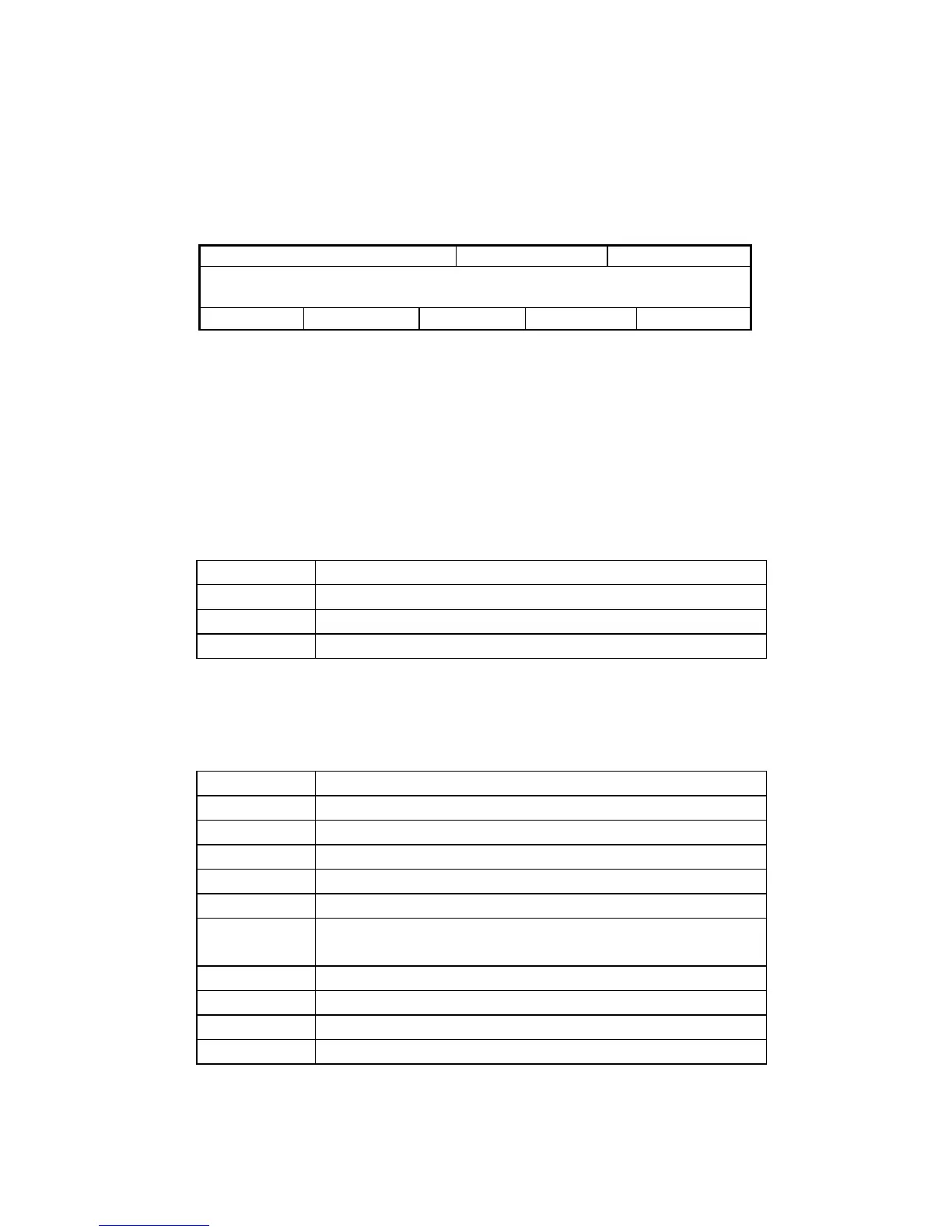
Areas from①to⑨are allocated to LCD screen to display information specified for each of
them.
① ② ③
④
⑤ ⑥ ⑦ ⑧ ⑨
Fig. 9.2 Layout of display
① Title display area
Title of currently selected mode is displayed.
② Operation display area 1
One of operation types such as SINGLE.N and SQHD is displayed as shown in the left
side of the below Table. Procedure to display each of the types is shown in the right side
of the Table.
SINGLE.N Turn on single needle SW.
SQHD Turn on sequential HD SW.
CONSOLE Select console mode in maintenance mode 7.
ERR FREE Release any of alarms in maintenance mode 3.
③ Operation display area 2
One of operation types such as draining and UF is displayed as shown in the left side of
the below Table. Condition required to display each of the types is shown in the right side
of it.
UF During UF execution.
BP Stop During BP SW is ON, while BP is stopped.
Drain During draining.
FlowStop During fluid flow stop due to alarm actuation.
GasParge During gas purging (excluding dialysis process).
Standby During preparation process
Bypass During bypassing (excluding auto bypass in dialysis wait
process)
MIN.UF During minimum UF execution
Wait During rinse wait process
Rinse During rinse process
End During rinse end process
④ Setting/information display area
Rinse screen (rinse wait, rinse, rinse end wait), dialysis screen (dialysis wait,



 To Next Page