6-11
6.4.3. Air purge
The machine is shipped after filling fluid line with air. To install the machine, remove air in
accordance with the procedures shown in message screen of display. The air is removed
automatically within 7 to 10 minutes.
CAUTION
Before starting air purge, check whether water supply is enabled. If disabled, pump may
be damaged due to unloaded operation.
NOTE
When the machine is turned on after long term, date and time may be initialized and E50
RAM INITIALIZE error may be occurred to initialize SETTING 1 screen. Because RAM
back up battery is emptied. The check and re-input should be performed by well trained
person.
RAM back up battery is rechargeable. It is full charged by power on the machine about 22
hours continuously. It is emptied by turn off the machine about 7 - 10 days.
(1) Check whether all connectors are connected to respective rinse ports correctly.
(2) Check whether water can be supplied.
(3) The air purge process is enabled during rinse wait mode only. Select the mode.
(4) Press [F・5] SW to display maintenance mode menu.
(5) Press [F・3] or [F・4] SW to select "MODE9” followed by pressing [F・1] SW.
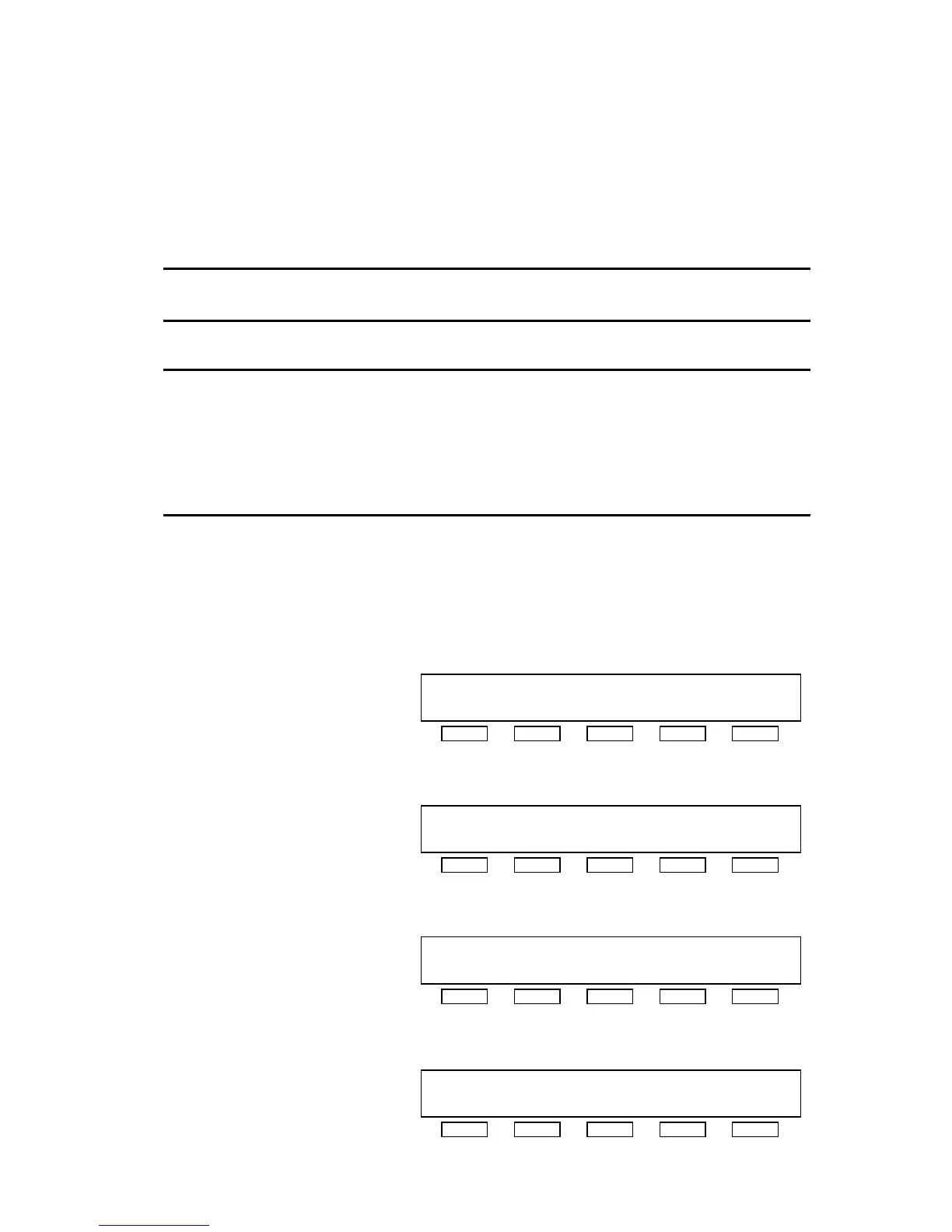
[MAINTE MENU(4/5)]
MODE9:MACHINE FILLING PROCEDURE
MODE10:ALARM HISTORY
MODE9 MODE10 P.UP P.DOWN DISP.
F・1 F・2 F・3 F・4 F・5
(6) After checking display of [MAINTE 9], press [F・1] SW to start the air purge process.
[MAINTE 9]
GO TO RINSE WAITING MODE
PRESS START SW TO FILL MACHINE
STARTMENU
F・1 F・2 F・3 F・4 F・5
(7) To terminate the process forcibly during its execution, press [F・1] SW.
[MAINTE 9]
FILLING
STOP
F・1 F・2 F・3 F・4 F・5
(8) Upon completion of the process, it is shown in the message screen.
[MAINTE 9]
END OF FILLING
MENU
F・1 F・2 F・3 F・4 F・5



 To Next Page