HOTSPOT GATEWAY
86 System Administration
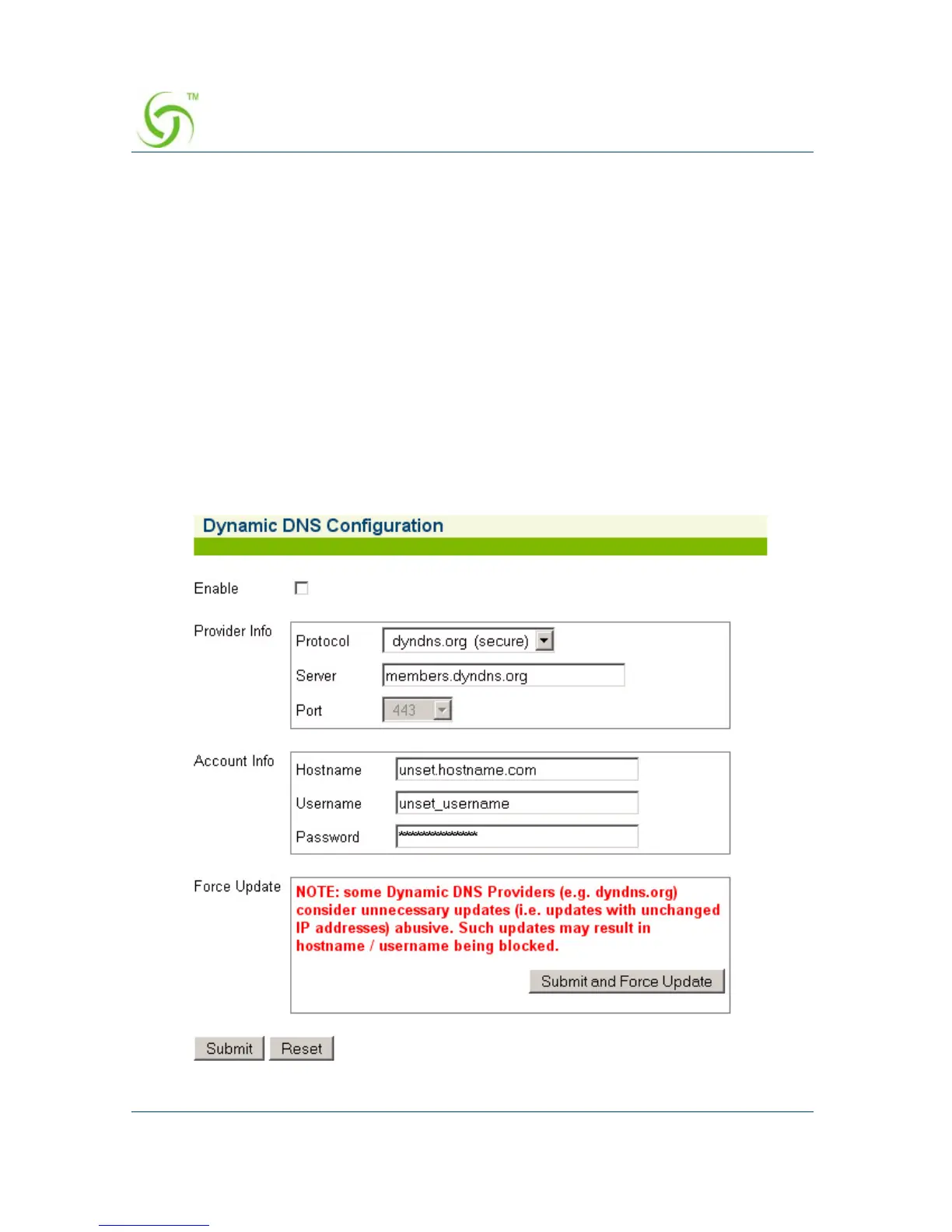
Configuring Dynamic DNS {Dynamic DNS}
These settings can be accessed under the following menus:
WMI Configuration
z Go to Configuration->Dynamic DNS
CLI Configuration
z Go to Configuration->dyndns
z Go to Configuration->dyndns->configure for configurations
SNMP Configuration
z Go to ag->dyndns (enterprises.3309.1.3.50) for DDNS configuration branch



 To Next Page