HOTSPOT GATEWAY
System Administration 153
Deleting All Port-Location Assignments {Delete All}
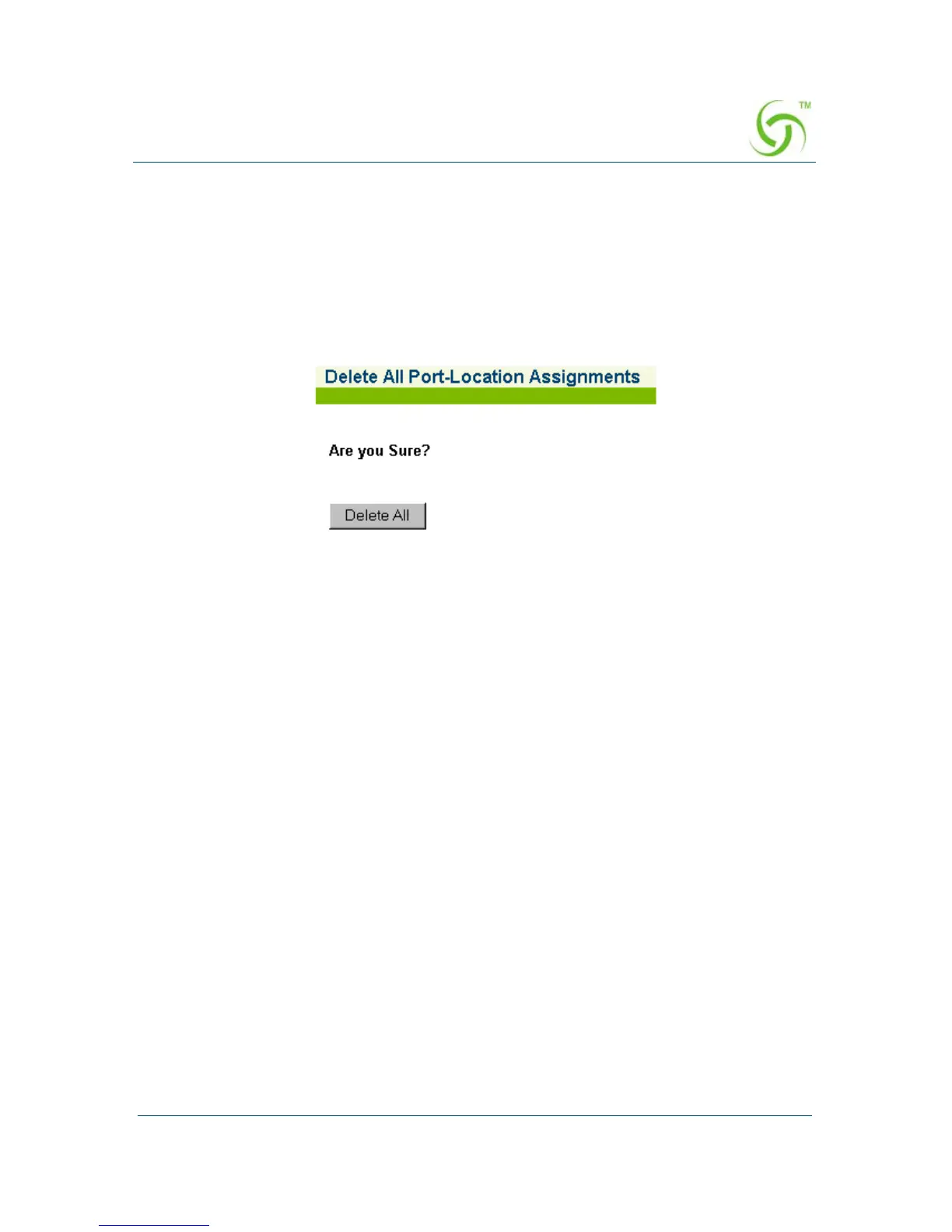
This procedure shows you how to delete all port-location assignments. The HSG
displays a warning and prompts you to confirm this action before deleting all the
port-locations currently assigned in the system.
1. From the Web Management Interface, click on Port-Location, then Delete All.
The Delete All Port-Location Assignments screen appears:
2. Click on the Delete All button to delete all Port-Location assignments.



 To Next Page