HOTSPOT GATEWAY
System Administration 109
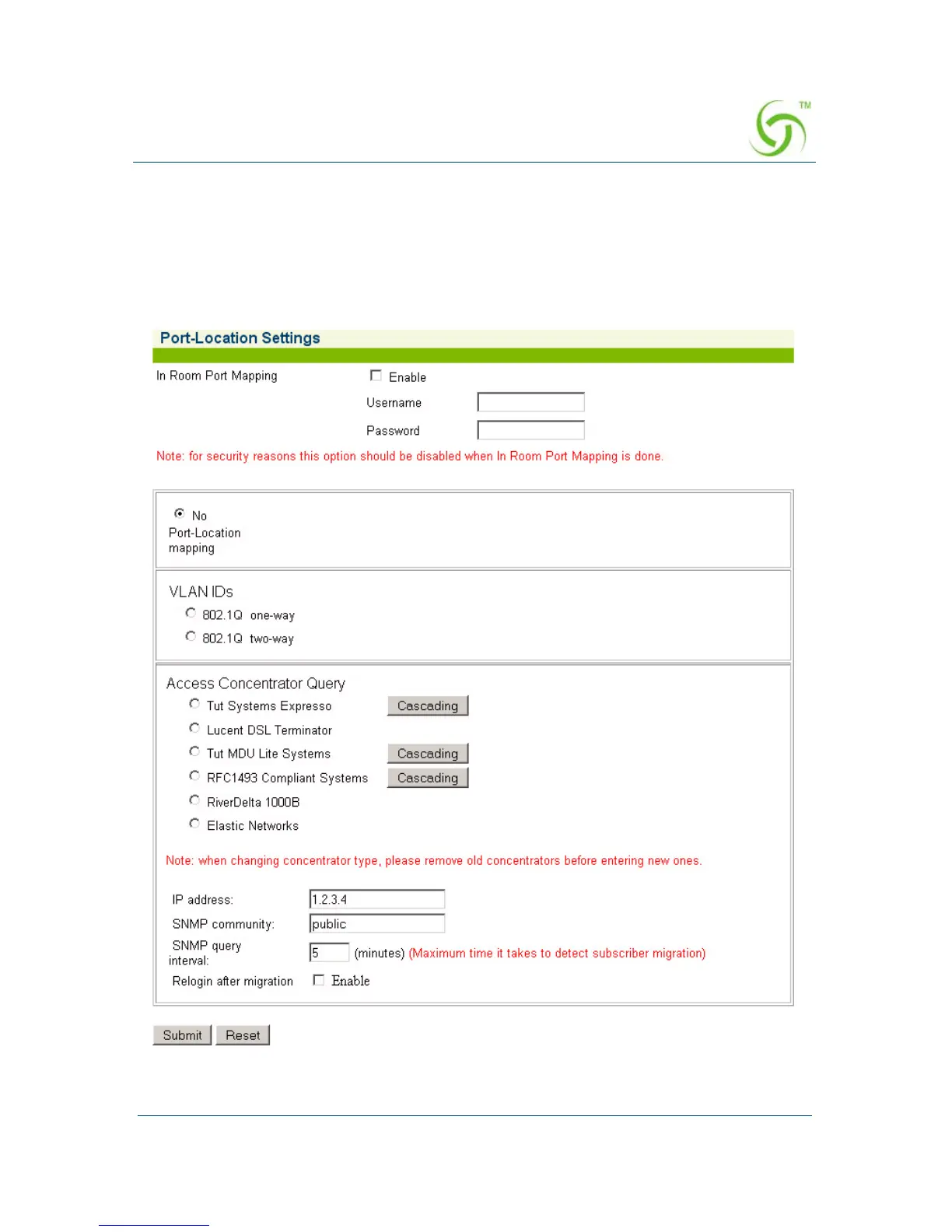
Setting Up Port Locations {Port-Location}
Port-Location allows you to establish the mode of operation for devices.
1. From the Web Management Interface, click on Configuration, then Port-
Location.
The Port-Location Settings screen appears:



 To Next Page