HOTSPOT GATEWAY
132 System Administration
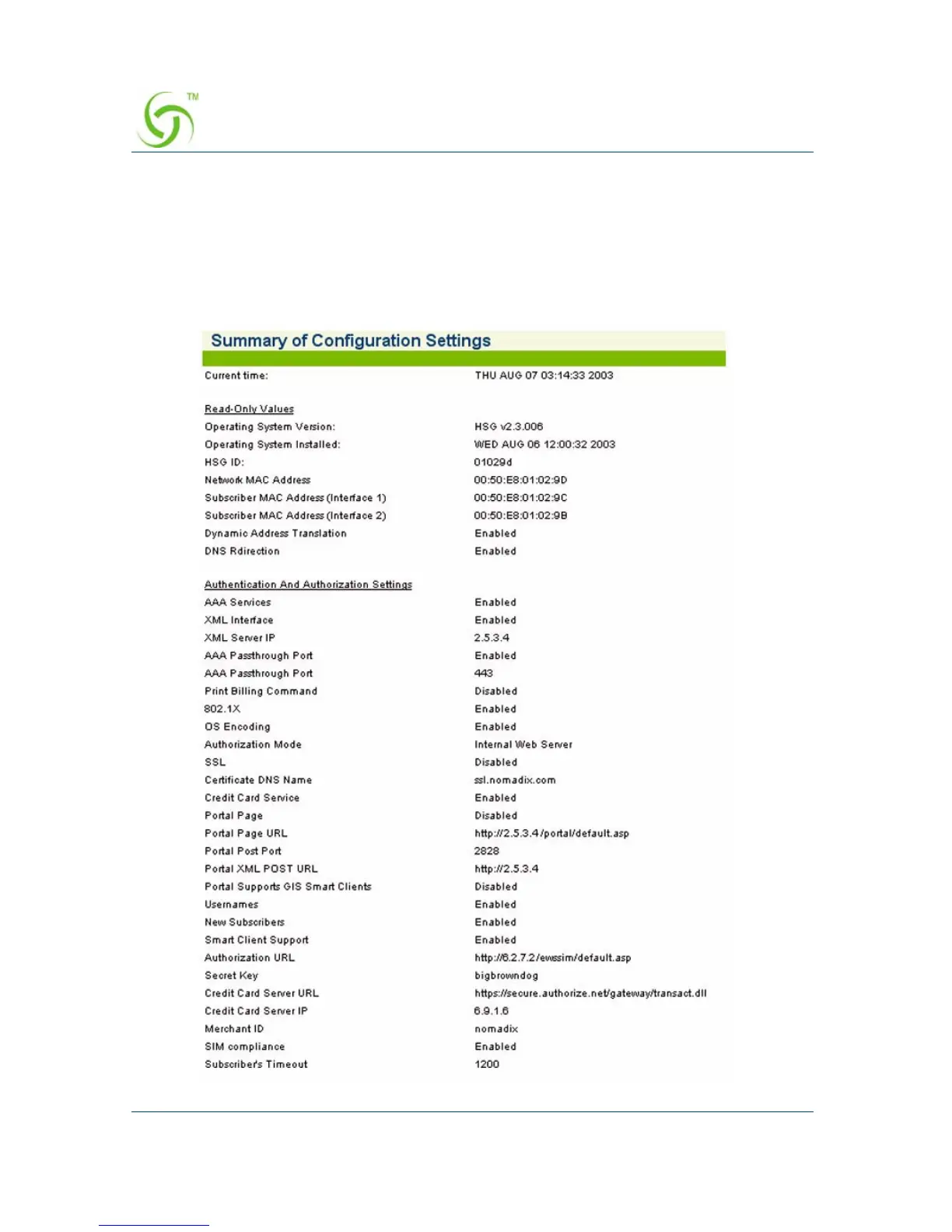
Displaying Your Configuration Settings {Summary}
You can display a summary listing of all your current Configuration settings.
To view the summary listing, go to the Web Management Interface, click on
Configuration, then click on Summary.
The Summary of Configuration Settings screen appears (partial screen shown here):



 To Next Page