HOTSPOT GATEWAY
System Administration 59
Using an SNMP Manager
Once the SNMP communities are established, you can connect to the HSG via the
Internet using an SNMP client manager (for example, HP OpenView). SNMP is the
standard protocol used in the Network Management (NM) system. This system
contains two primary elements:
z Manager – The console (client) through which system administrators
perform network management functions.
z Agent – An SNMP-compliant device which stores data about itself in a
Management Information Base (MIB). The HSG is an example of such a
device.
The HSG contains managed objects that directly relate to its current operational state.
These objects include hardware configuration parameters and performance statistics.
Managed objects are arranged into a virtual information database, called a
Management Information Base (MIB). SNMP enables managers and agents to
communicate with each other for the purpose of accessing these MIBs and retrieving
data. See also, “Installing the Nomadix Private MIB” on page 56.
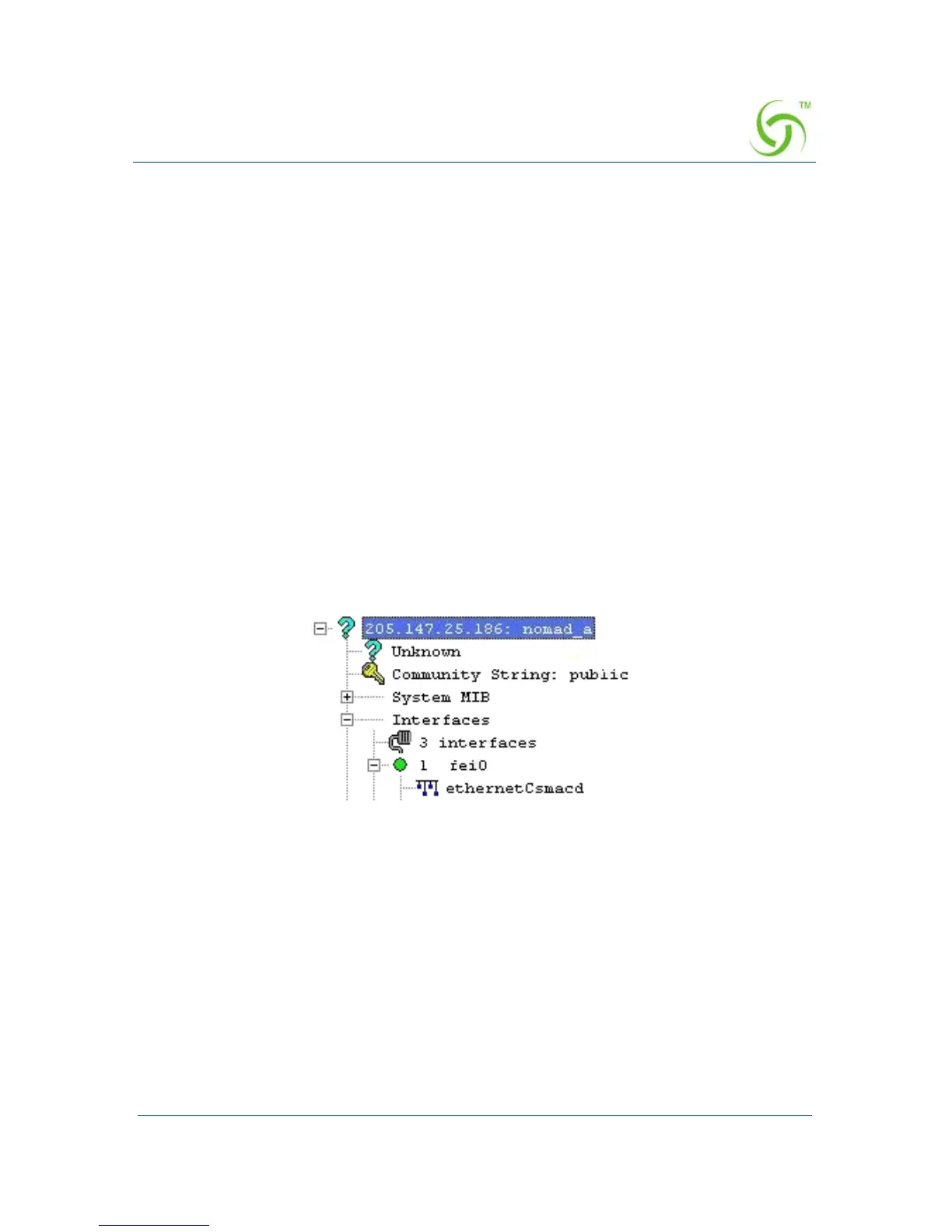
The following example shows a (partial) SNMP screen response.
Using a Telnet Client
There are many Telnet clients that you can use to connect with the HSG. Using Telnet
provides a simple terminal emulation that allows you to see and interact with the
HSG’s Command Line Interface (as if you were connected via the serial interface).
As with any remote connection, the network interface IP address for the HSG must be
established (you did this during the installation process).



 To Next Page