HOTSPOT GATEWAY
118 System Administration
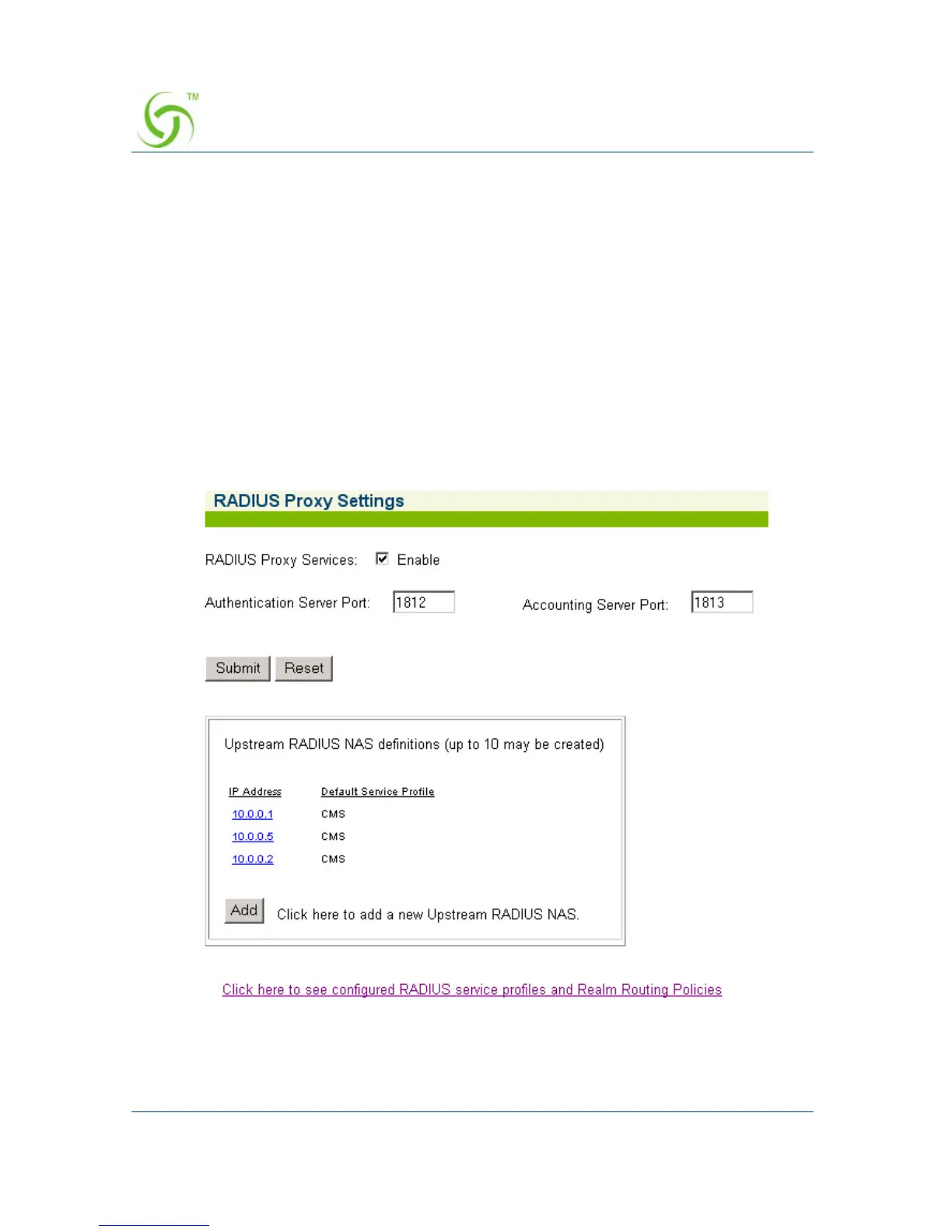
Defining the RADIUS Proxy Settings {RADIUS Proxy}
A RADIUS Proxy allows the NSE to relay authentication and accounting packets
between the parties performing the authentication process. Different realms can be set
up to directly channel RADIUS messages to the various RADIUS servers.
For additional RADIUS information, see also:
z “Defining the RADIUS Client Settings {RADIUS Client}” on page 115.
z “Defining the Realm-Based Routing Settings {Realm-Based Routing}” on
page 121.
z “RADIUS Attributes” on page 276.
1. From the Web Management Interface, click on Configuration, then RADIUS
Proxy. The RADIUS Proxy Settings screen appears:



 To Next Page