HOTSPOT GATEWAY
System Administration 195
Defining Languages {Language Support}
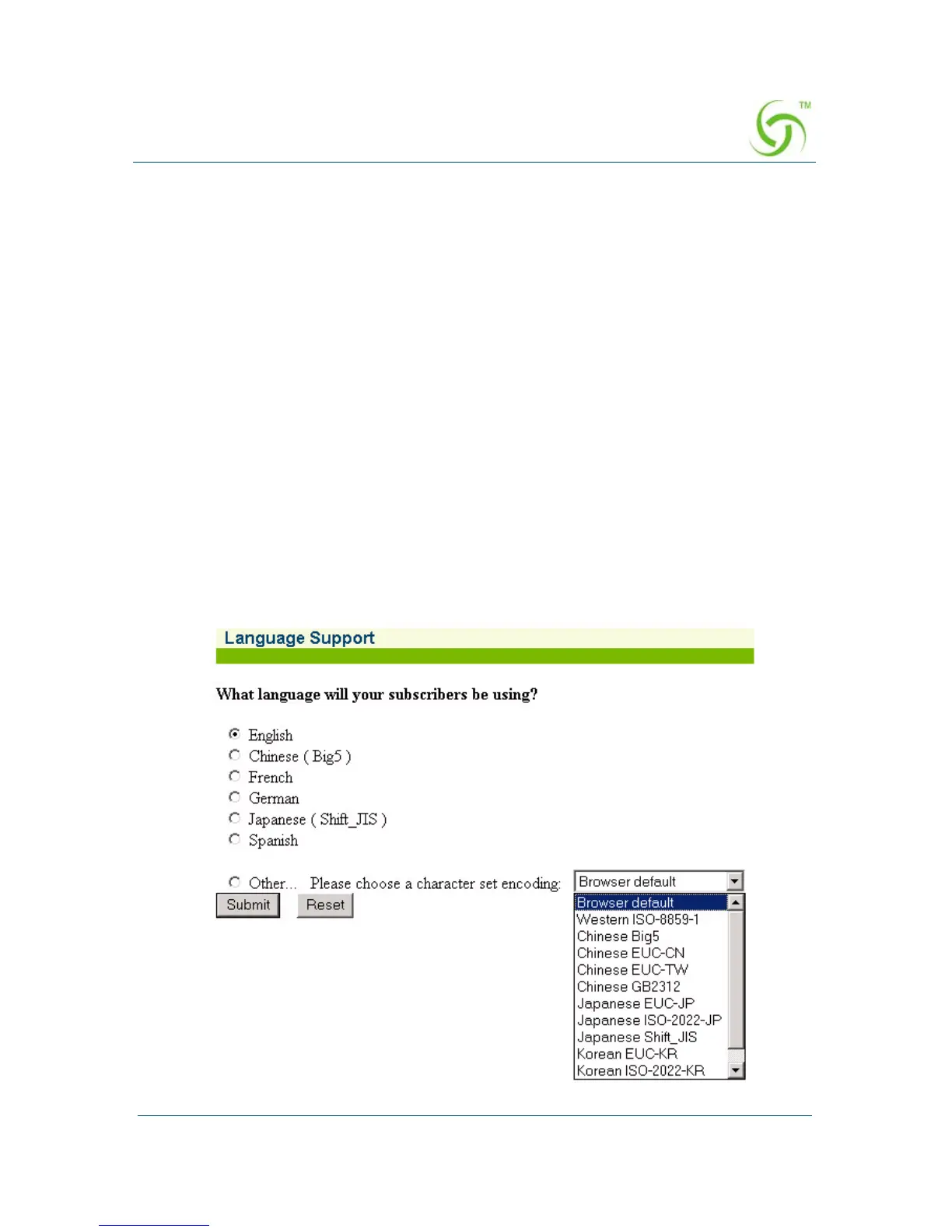
The HSG allows you to define the text displayed to your users by the Internal Web
Server (IWS) without any HTML or ASP knowledge. The language you select here
will determine the language encoding that the HSG’s Internal Web Server instructs
the browser to use.
The available language options are:
z English
z Chinese (Big 5)
z French
z German
z Japanese (Shift_JIS)
z Spanish
z Other, with drop-down menu (see note)
1. From the Web Management Interface, click on Subscriber Interface, then
Language Support. The Language Support screen appears:



 To Next Page