HOTSPOT GATEWAY
238 System Administration
Changing the Function of the Serial Port {Serial}
You can change the function of the serial port, switching between a Property
Management System (PMS) and simple serial functionality (for accessing the
system’s Command Line Interface).
1. From the Web Management Interface, click on System, then Serial.
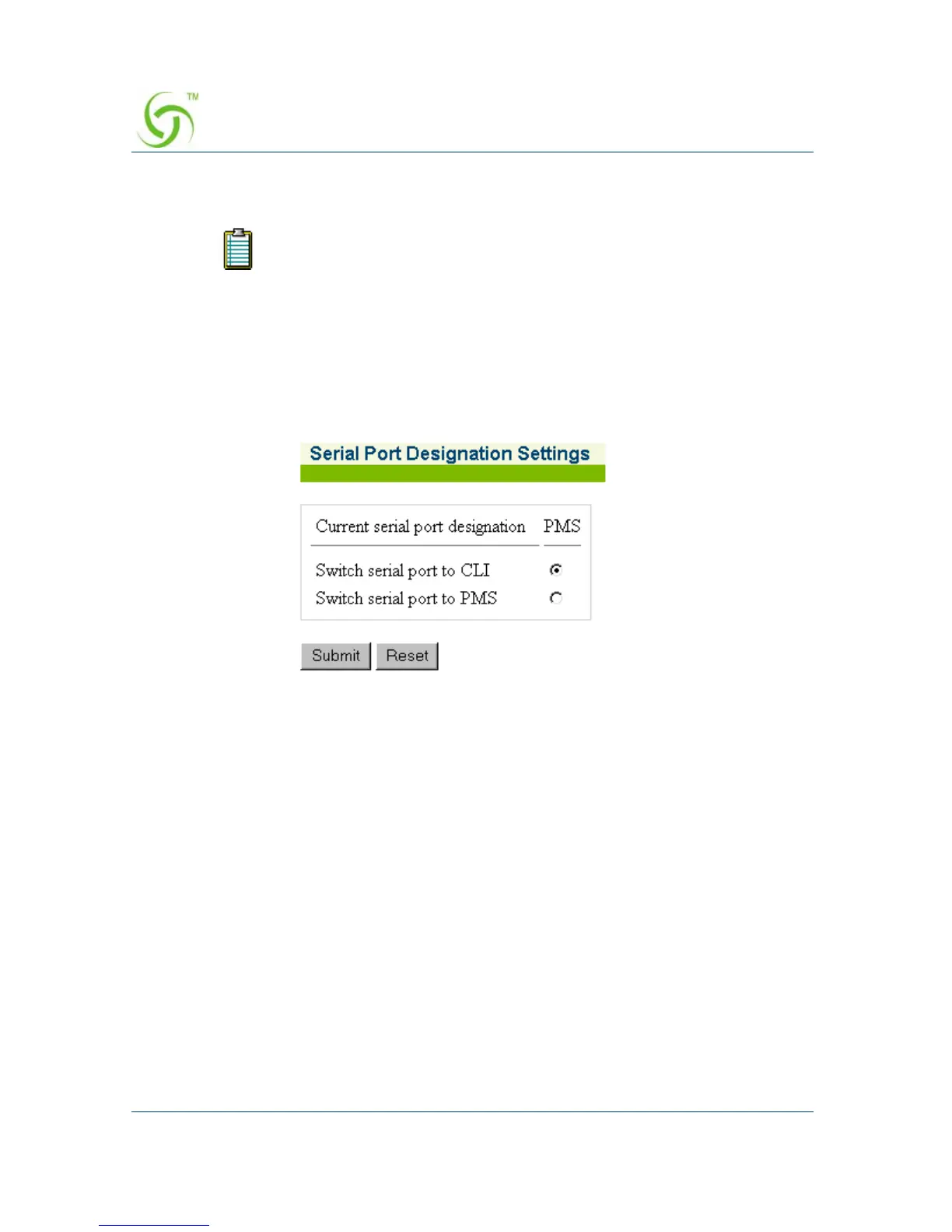
The Serial Port Designation Settings screen appears:
2. Select the CLI or PMS option, as required.
3. Click on the Submit button to save your changes, or click on the Reset button if
you want to reset the serial designation to its original state.
PMS is not available with the AG 2100.



 To Next Page