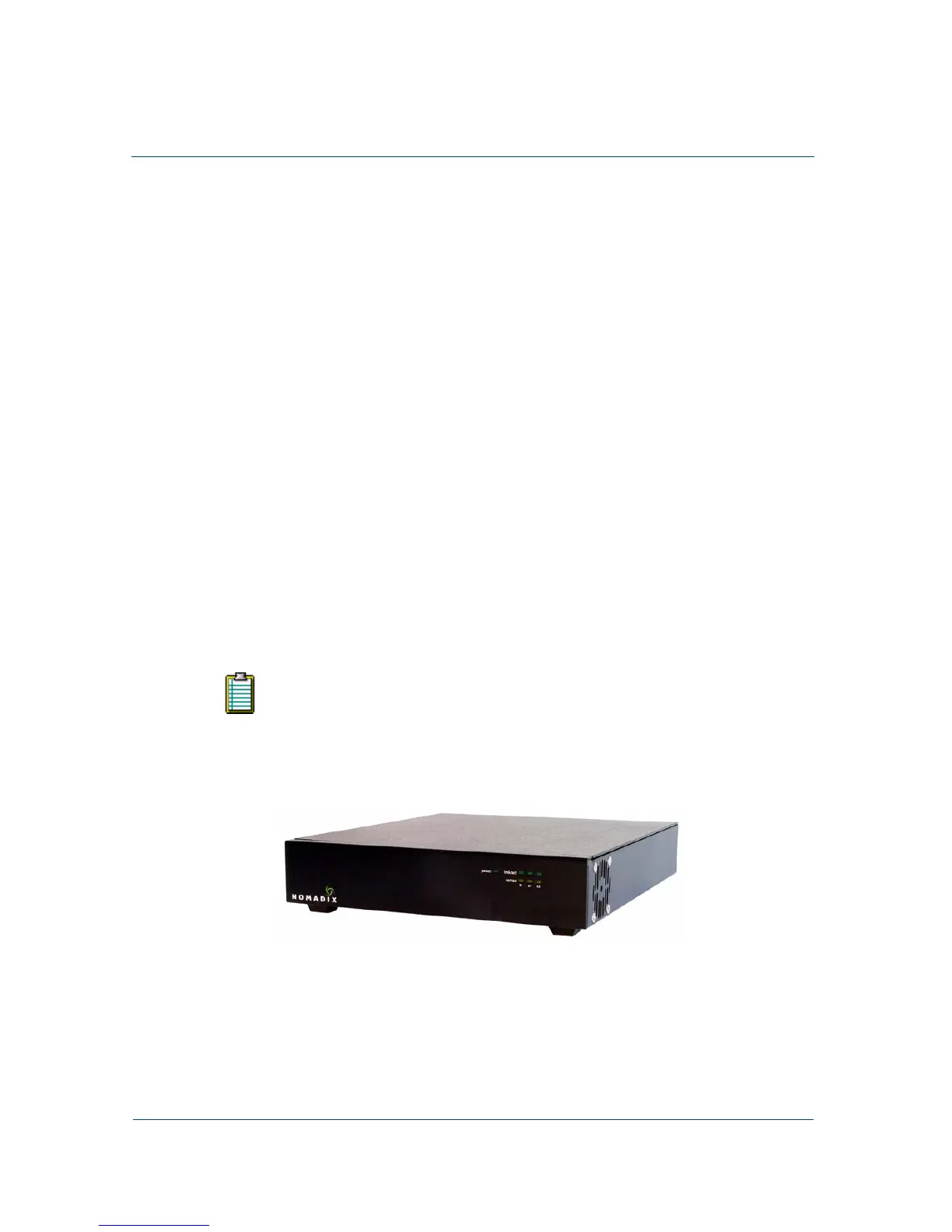
HOTSPOT GATEWAY
Installing the HSG 29
1
Installing the HSG
This chapter provides installation instructions for the hardware and software
components of the HSG. It also includes an overview of the management interface,
some helpful hints for system administrators, and procedures for the following tasks:
z Unpacking the HSG
z Powering Up the System
z Logging In to the Command Line Interface
z Establishing the Start Up Configuration
z Logging Out and Powering Down the System
z Connecting the HSG to the Customer’s Network
z Establishing the Basic Configuration for Subscribers
z Archiving Your Configuration Settings
z Installing the Nomadix Private MIB
See also “Installation Workflow” on page 31..
Once you have installed your HSG and established the configuration
settings, you should write the settings to an archive file. If you ever
experience problems with the system, your archived settings can be
restored at any time. See “Archiving Your Configuration Settings” on
page 56.
Nomadix HotSpot Gateway (HSG)



 To Next Page