HOTSPOT GATEWAY
System Administration 219
Exporting Configuration Settings to the Archive File {Export}
This procedure shows you how to export the current system configuration settings to
an archive file for future retrieval. This function is useful if you want to change the
configuration settings and you are unsure of the effect that the changes will have. You
can restore the archived system configuration settings at any time with the import
function.
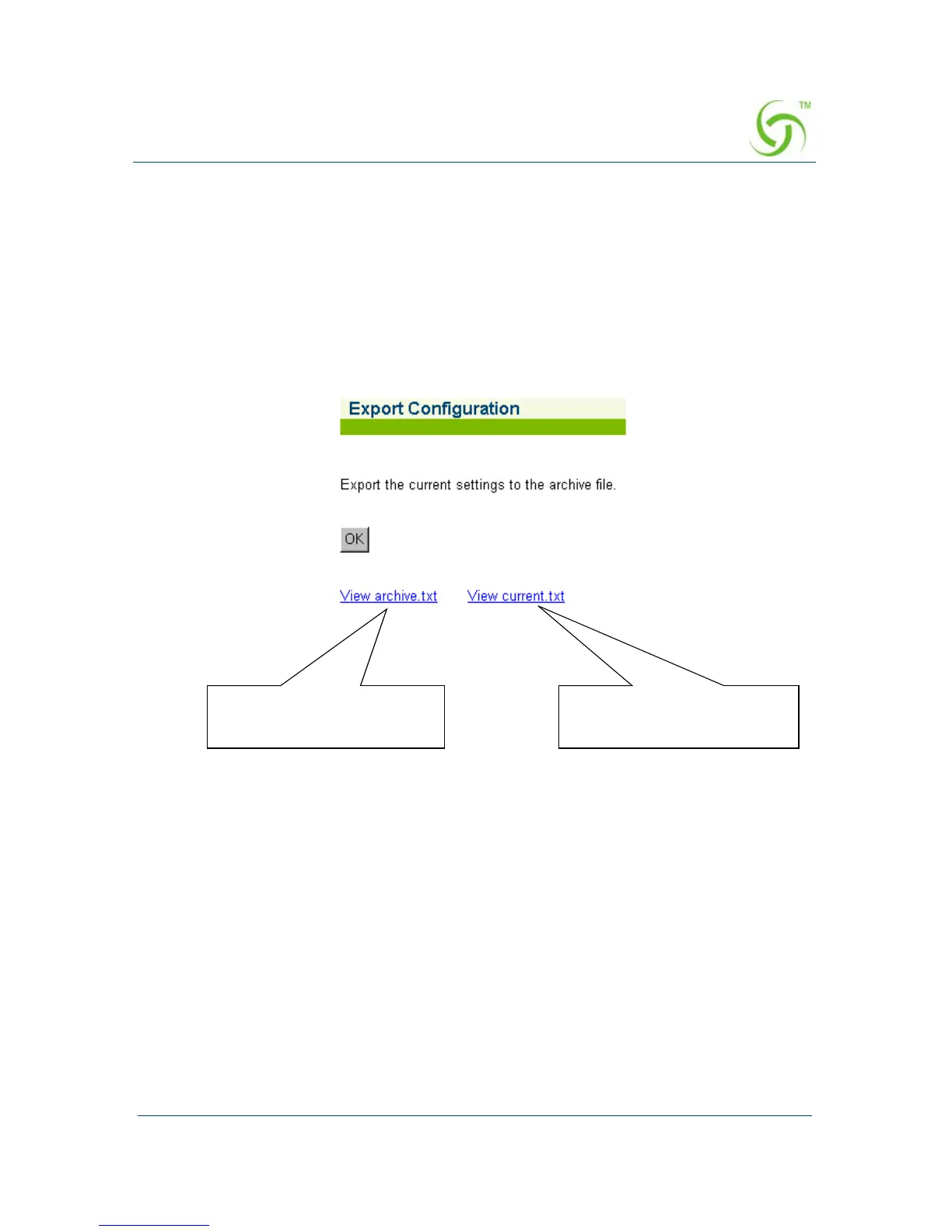
1. From the Web Management Interface, click on System, then Export.
The Export Configuration screen appears:
2. Click on the OK button to export the current configuration settings to the
archive.txt file.
Click here to view the
“archive.txt” file
Click here to view the
“current.txt” file



 To Next Page