HOTSPOT GATEWAY
System Administration 113
In Room Port Mapping
This section shows In Room Port Mapping from the subscriber side, when the In
Room Port Mapping feature is enabled.
1. Enable In Room Port Mapping and assign a user name and password (see
previous section, Steps 2 and 3).
2. Enter the following URL target format:
http://(HSG IP address):1111/usg/roommapping
For example:
http://219.57.108.103:1111/usg/roommapping
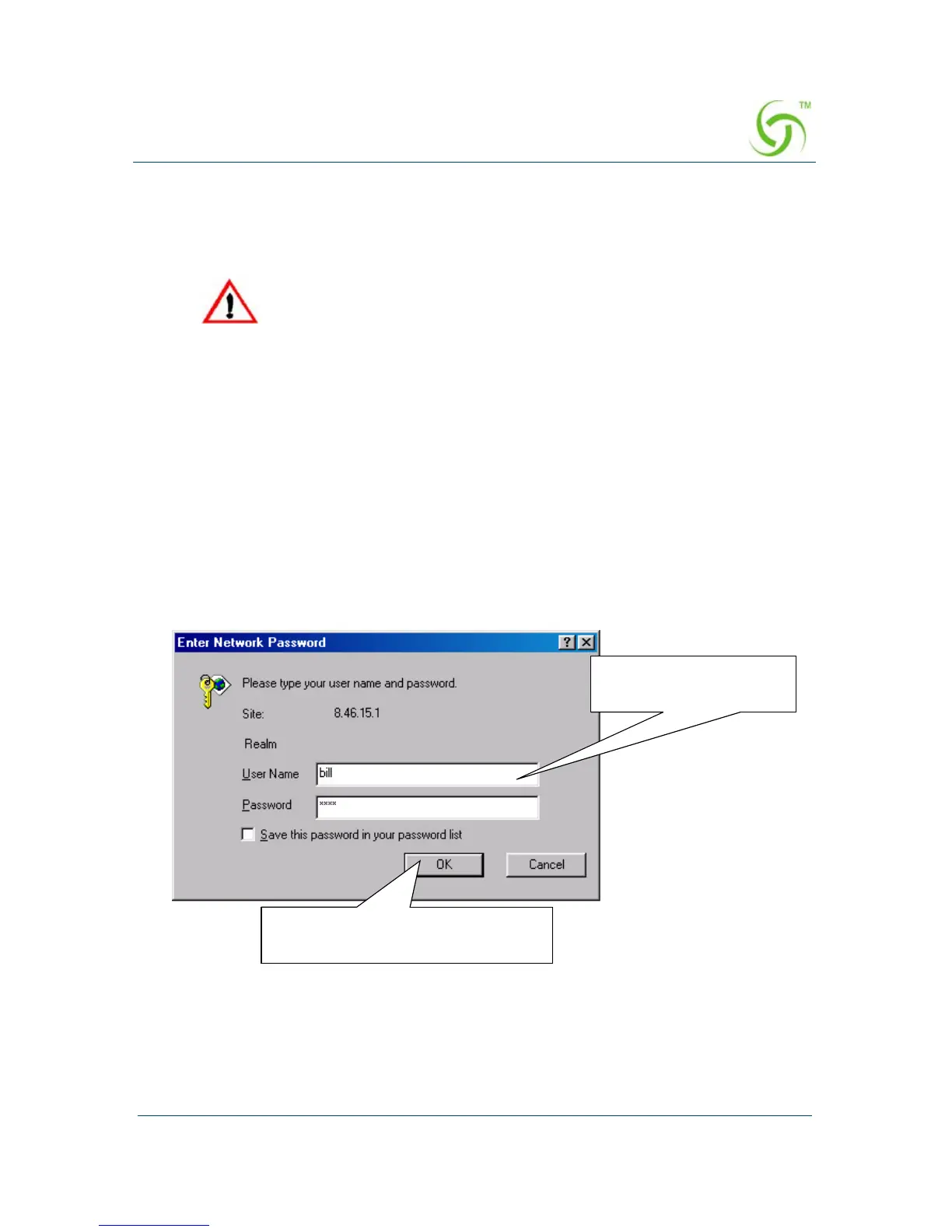
The Enter Network Password prompt appears:
HSG multiple VLAN tagged systems can use the same tags and be
placed on different Subscriber ports. Although it is technically
possible to place two different VLAN tagged switches (one on each
Subscriber side) that have the same VLAN tags designated, this
configuration can cause problems. To avoid conflicts, you must ensure
that the VLAN tags are different on the different devices.
Click here if you want to save
your user name and password
Enter user name and
password



 To Next Page