HOTSPOT GATEWAY
112 System Administration
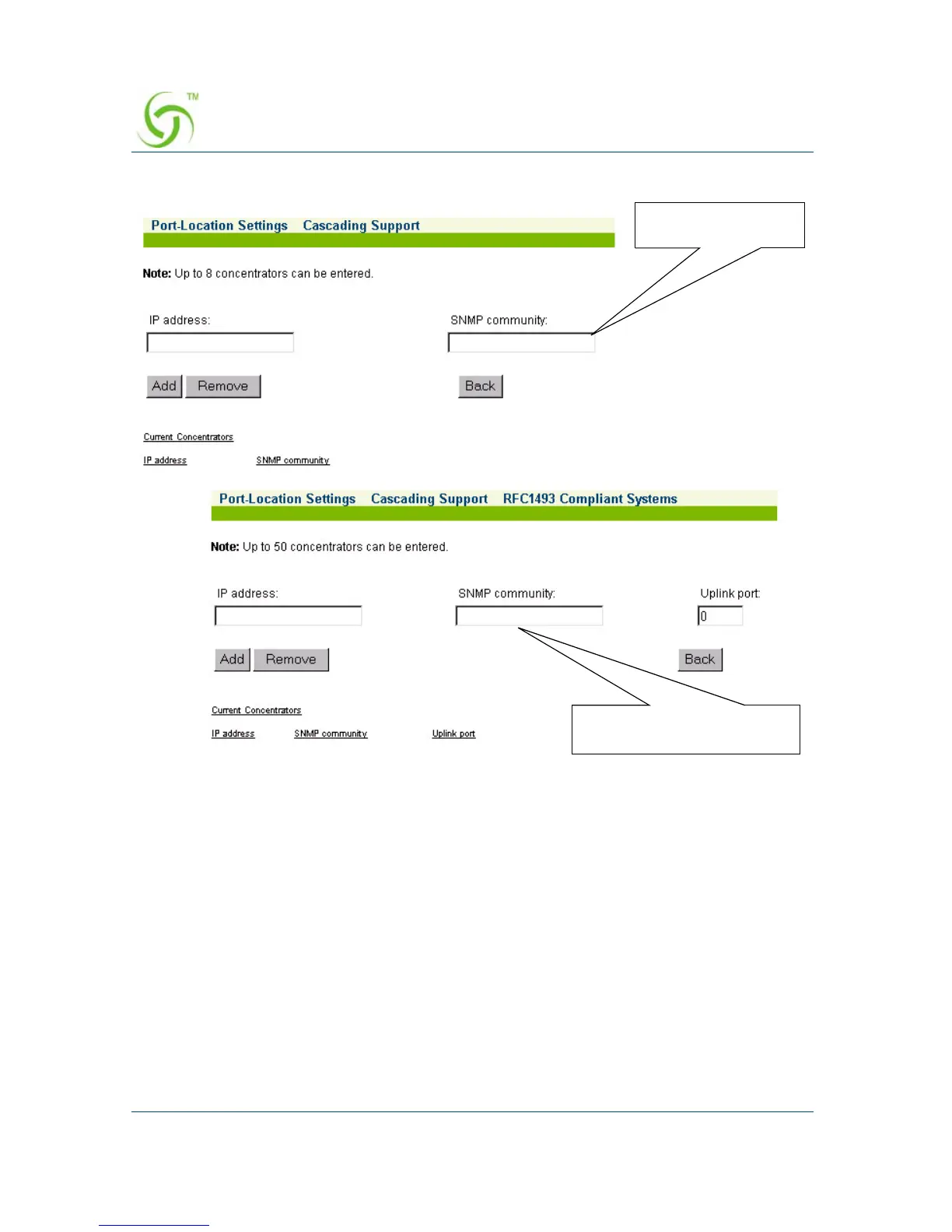
From the Cascading Support screen, you can return to the main Port-Location
Settings screen at any time by pressing the
Back button.
Click on the
Submit button to save your changes, or click on the Reset button if you
want to reset all the values to their previous state.
RFC1493 Systems
Tut Systems



 To Next Page