HOTSPOT GATEWAY
194 System Administration
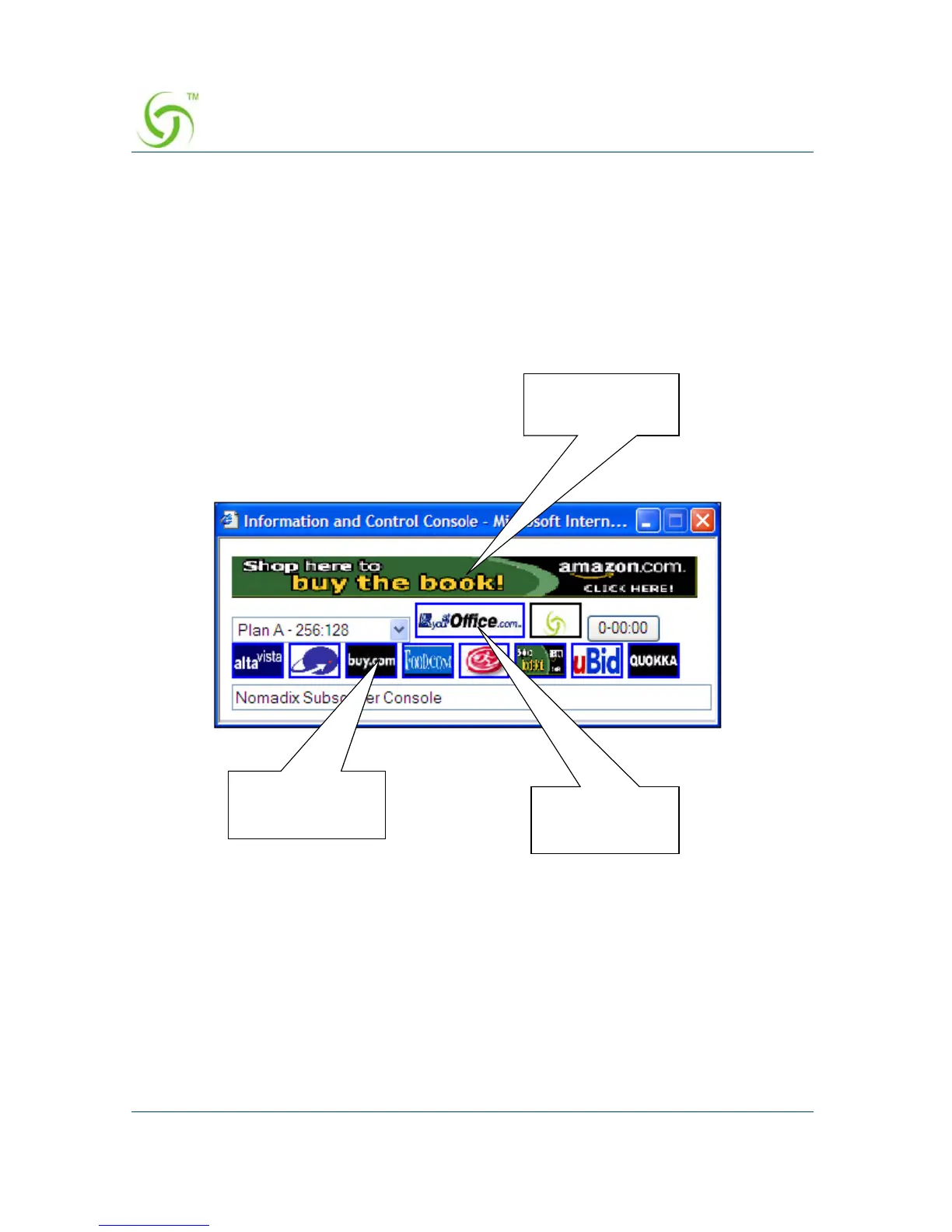
Pixel Sizes
Use the following parameters when defining images for buttons and banners:
z Banners – 373 pixels (width) x 32 pixels (height)
z ISP Button – 98 pixels (width) x 26 pixels (height)
z Small buttons – 45 pixels (width) x 26 pixels (height)
Time Formats
Use the following formats when defining times:
z Duration for Banners – 1 through 9999, or more
z Start or Stop times for Banners – hh:mm PM/AM (for example, 2:35 PM)
Small Buttons
(45 x 26 pixels)
ISP Button
(98 x 26 pixels)
Banner
(373 x 32 pixels)



 To Next Page