HOTSPOT GATEWAY
130 System Administration
Enabling Dynamic Multiple Subnet Support (Subnets)
Nomadix’ dynamic multiple subnet support allows you to create flexible and cost-
effective IP pool solutions to meet the demands of complex networks in large
residential and public access networks. For example:
z Establish a maximum of 15 different DHCP pools for routable IP addresses
at the same time.
z Establish a maximum of 10 different public IP subnets that will not be
address-translated by Nomadix' market-leading Dynamic Address
Translation (DAT) feature.
z Define the user's subnet via the management interfaces.
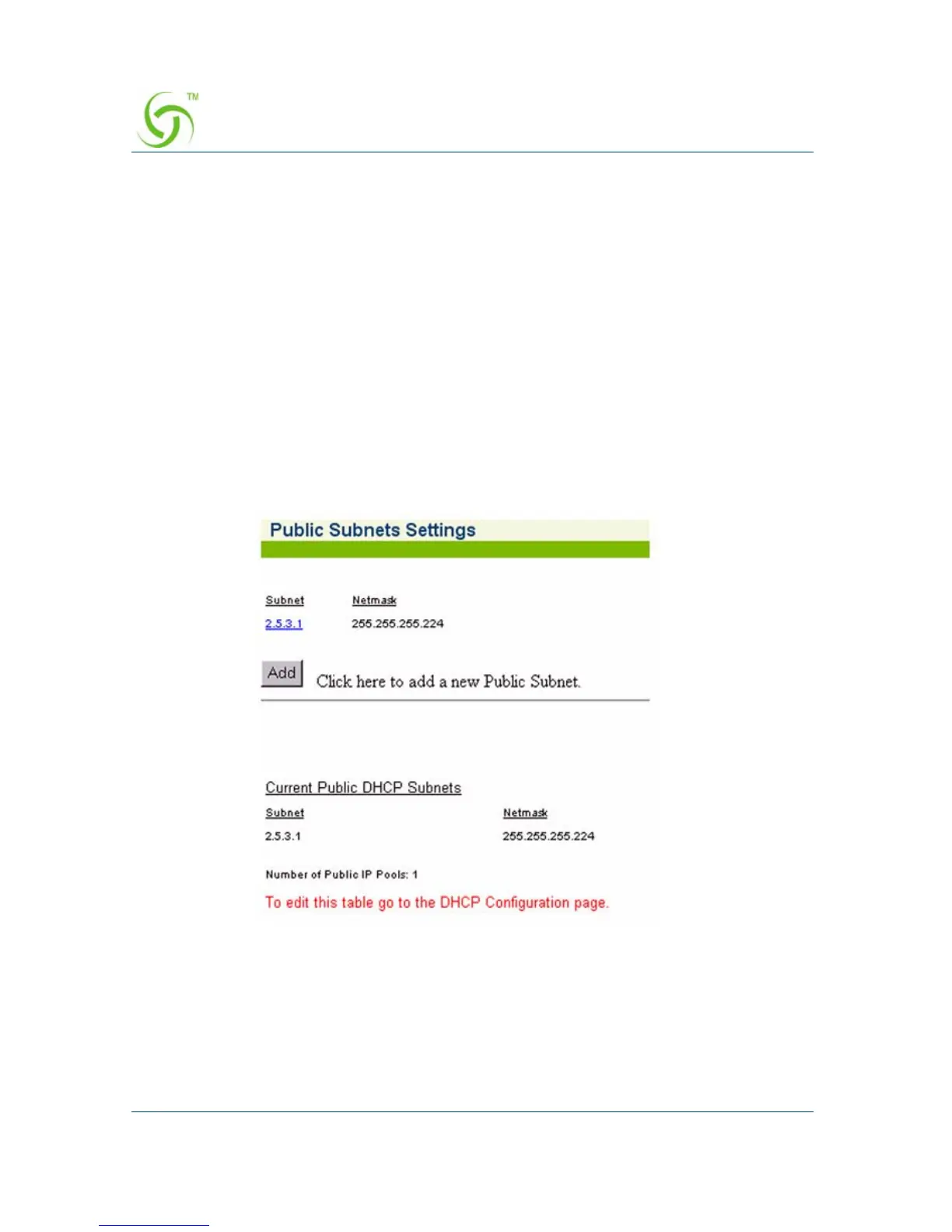
1. From the Web Management Interface, click on Configuration, then Subnets.
The Public Subnets Settings screen appears:
2. Click on the Add button to add a new public subnet.



 To Next Page