HOTSPOT GATEWAY
System Administration 239
Blocking a Subscriber Interface {Subscriber Interfaces}
The HSG allows System Administrators to block subscriber interfaces.
1. From the Web Management Interface, click on System, then Subscriber
Interfaces.
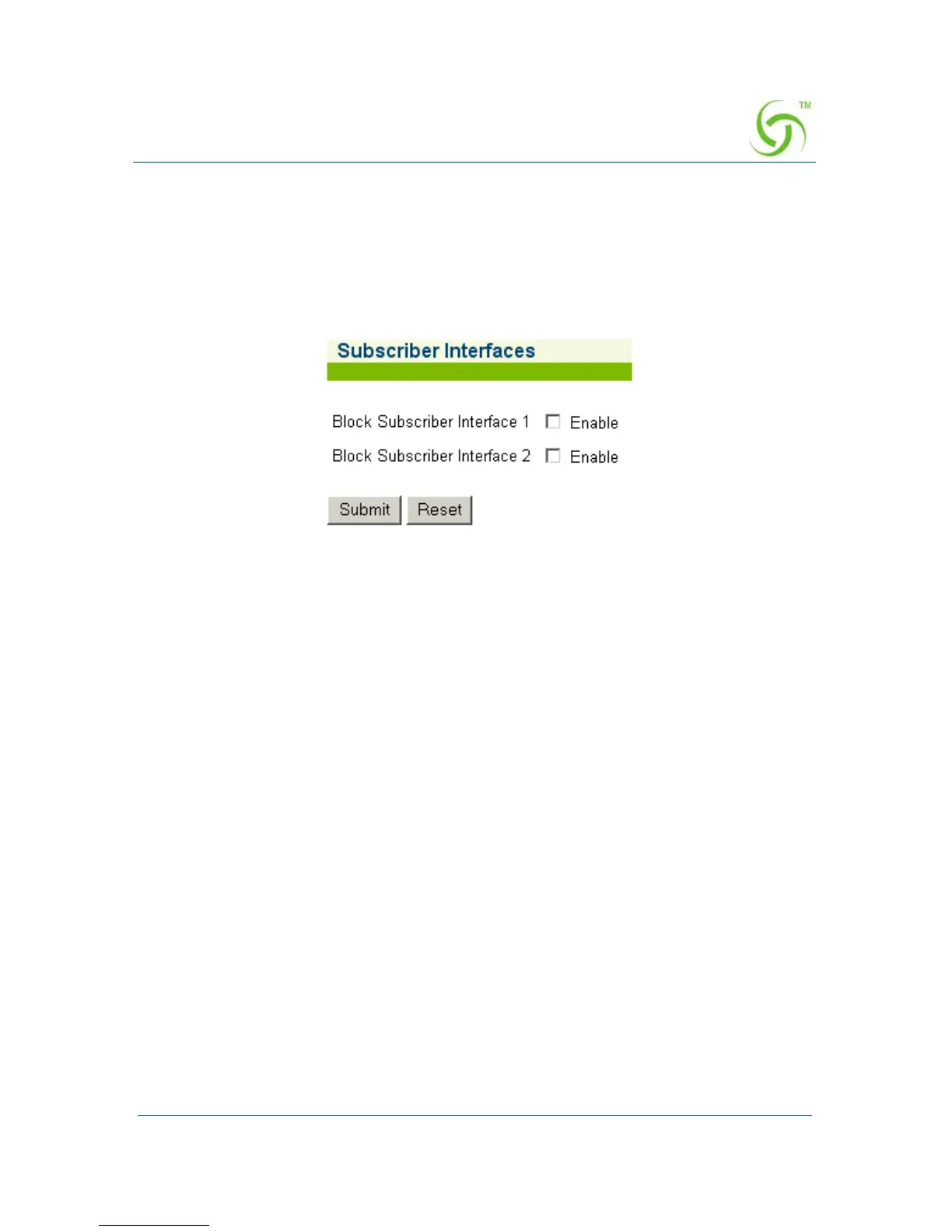
The Subscriber Interfaces screen appears:
2. Enable or disable the following items by clicking on the corresponding check
box:
z Block Subscriber Interface 1
z Block Subscriber Interface 2
3. Click on the Submit button to save your changes, or click on the Reset button to
reset all values to their previous state.
Updating the HSG Firmware {Upgrade}
Upgrading the HSG firmware is performed from the HSG’s Command Line Interface
(CLI) only. Refer to the Firmware Upgrade Procedure (separate document available
from Nomadix Technical Support).



 To Next Page