HOTSPOT GATEWAY
System Administration 223
Viewing the History Log {History}
You can view a history log of the system’s Access, Reboot, and Uptime activities. The
history log contains up to 500 entries. Over 500 entries and each new log item
removes the oldest entry in the list. The latest entry is always at the top of the list.
To view the history log, go to the Web Management Interface and click on
System,
then
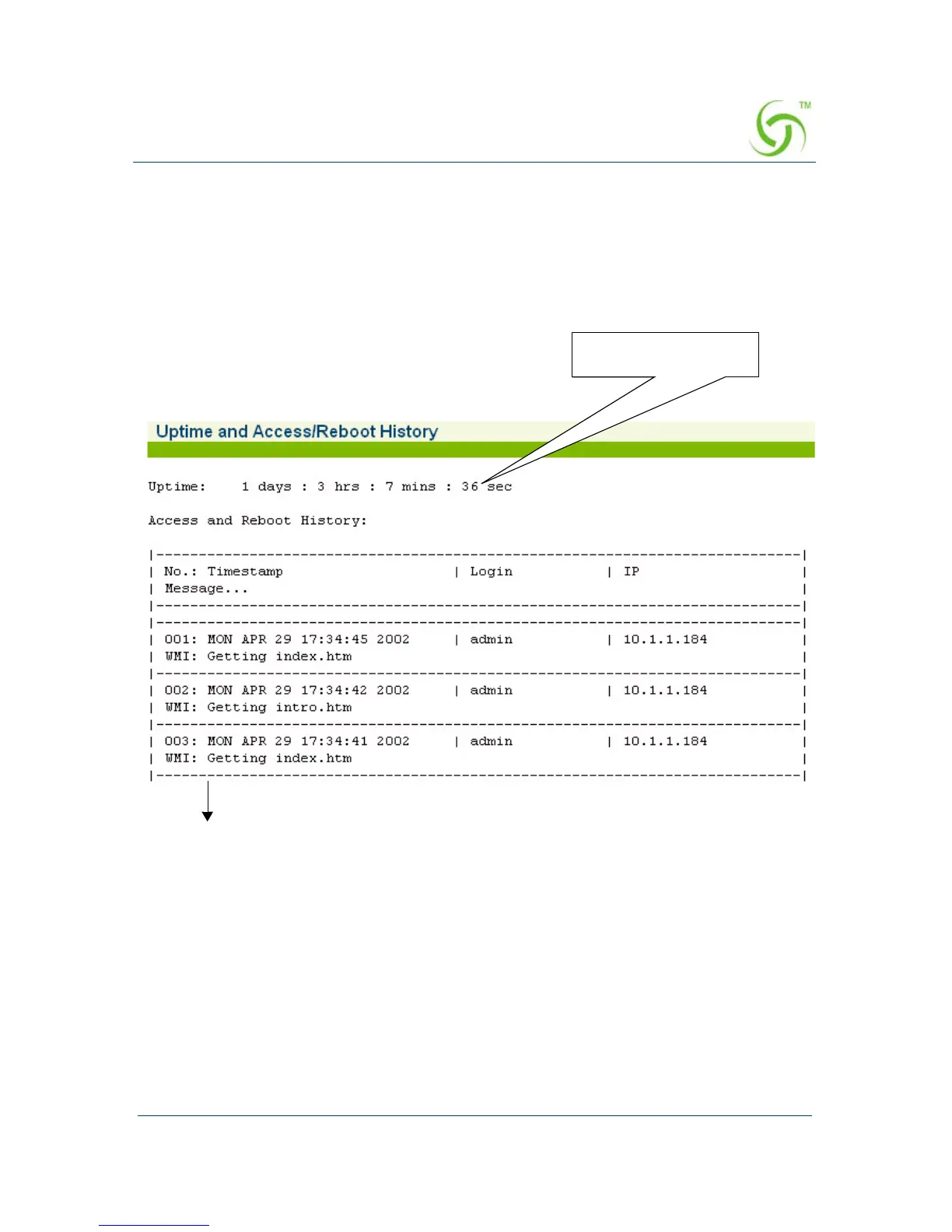
History. The Uptime and Access/Reboot History screen appears:
The “Uptime” field displays the time (in days, hours, minutes, and seconds) that the
system has been up and running.
More listings ...
Uptime Indicator



 To Next Page