HOTSPOT GATEWAY
System Administration 89
Setting the Home Page Redirection Options {Home Page Redirect}
This procedure shows you how to redirect the subscriber’s browser to a specified
home page. Subscribers may also be redirected to a page specified by the solution
provider, without any interaction with the credit card authentication process.
1. From the Web Management Interface, click on Configuration, then Home Page
Redirect.
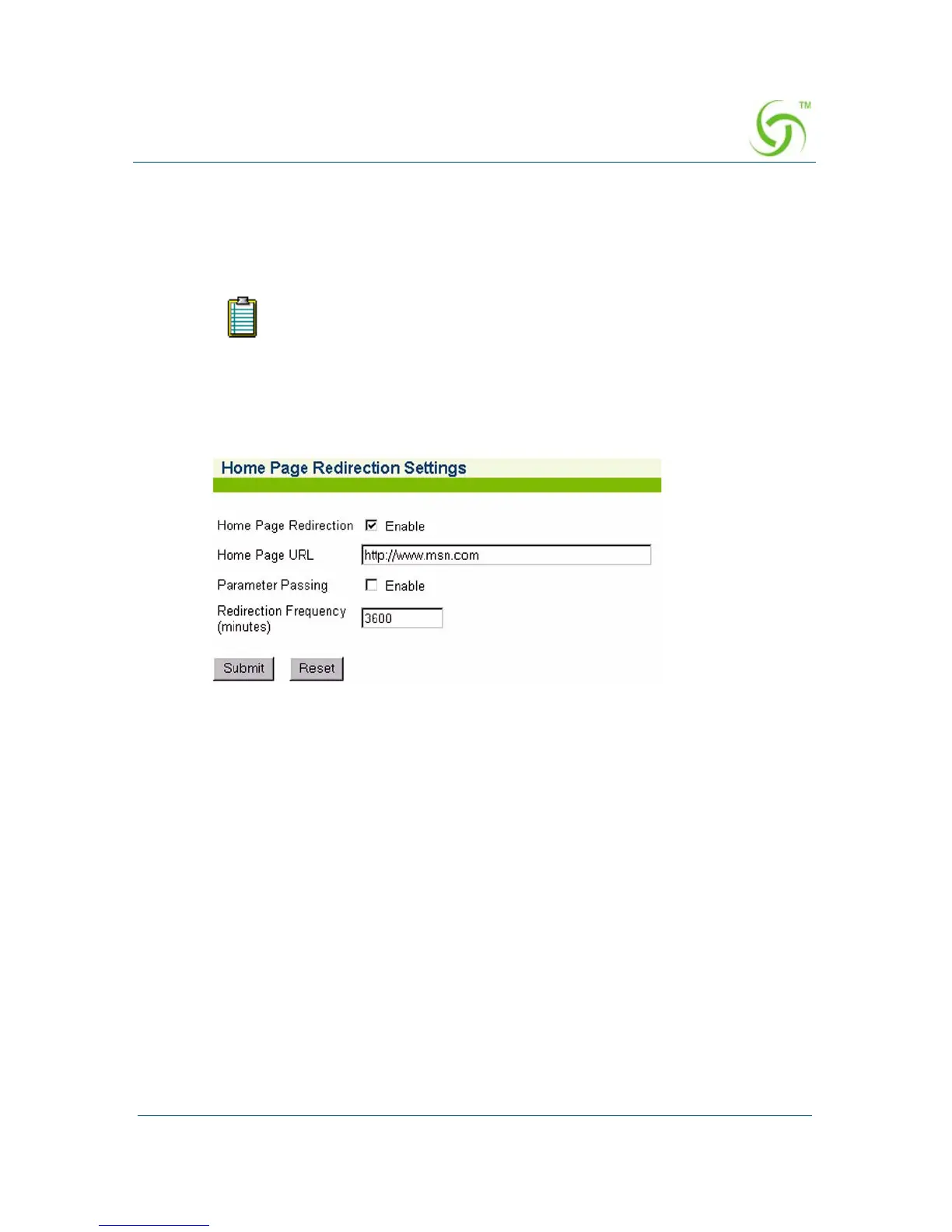
The Home Page Redirection Settings screen appears:
2. Click on the check box for Home Page Redirection to enable this feature.
If you enable home page redirection, you must provide a URL for the redirected
home page.
3. Enter the URL of the redirected home page in the Home Page URL field.
You must configure DNS if you want to enter meaningful URLs instead
of numeric IP addresses into any of the HSG’s configuration screens.



 To Next Page