HOTSPOT GATEWAY
156 System Administration
Exporting Port-Location Assignments {Export}
This procedure shows you how to export your current port-location assignments to the
“location.txt” file. The location.txt file is stored in: /flash/location.txt (resident in the
HSG’s flash memory).
1. From the Web Management Interface, click on Port-Location, then Export.
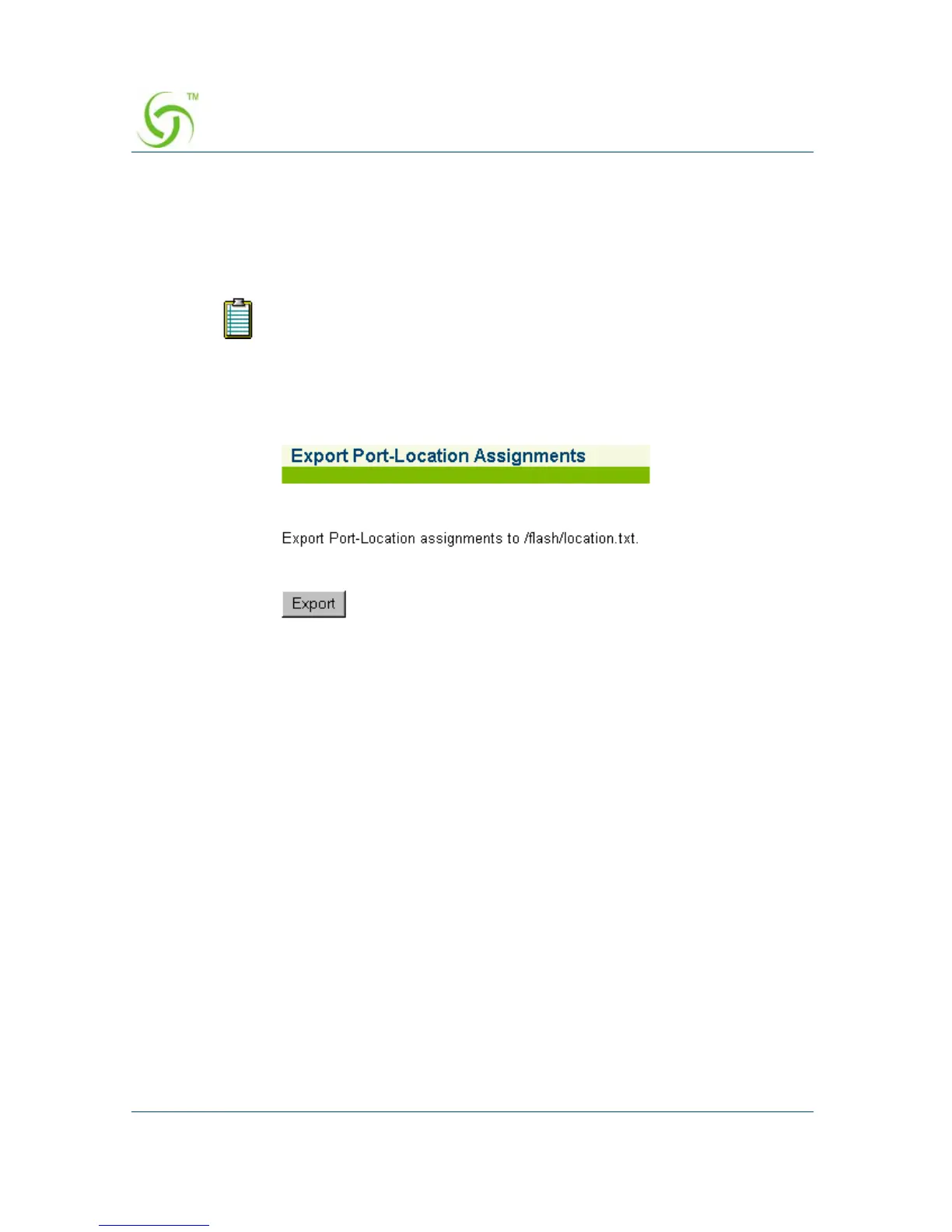
The Export Port-Location Assignments screen appears:
2. Click on the Export button to export port-location assignment to the /flash/
location.txt. file.
Exporting your current port-location assignments to the HSG’s flash
memory will overwrite the existing location.txt file.



 To Next Page