HOTSPOT GATEWAY
84 System Administration
Managing the DNS Options {DNS}
DNS allows subscribers to enter meaningful URLs into their browsers (instead of
complicated numeric IP addresses) by automatically converting the URLs into the
correct IP addresses. You can assign a primary, secondary, or tertiary (third) DNS
server. The HSG utilizes whichever server is currently available.
Use the following procedure to set the DNS configuration options.
1. From the Web Management Interface, click on Configuration, then DNS.
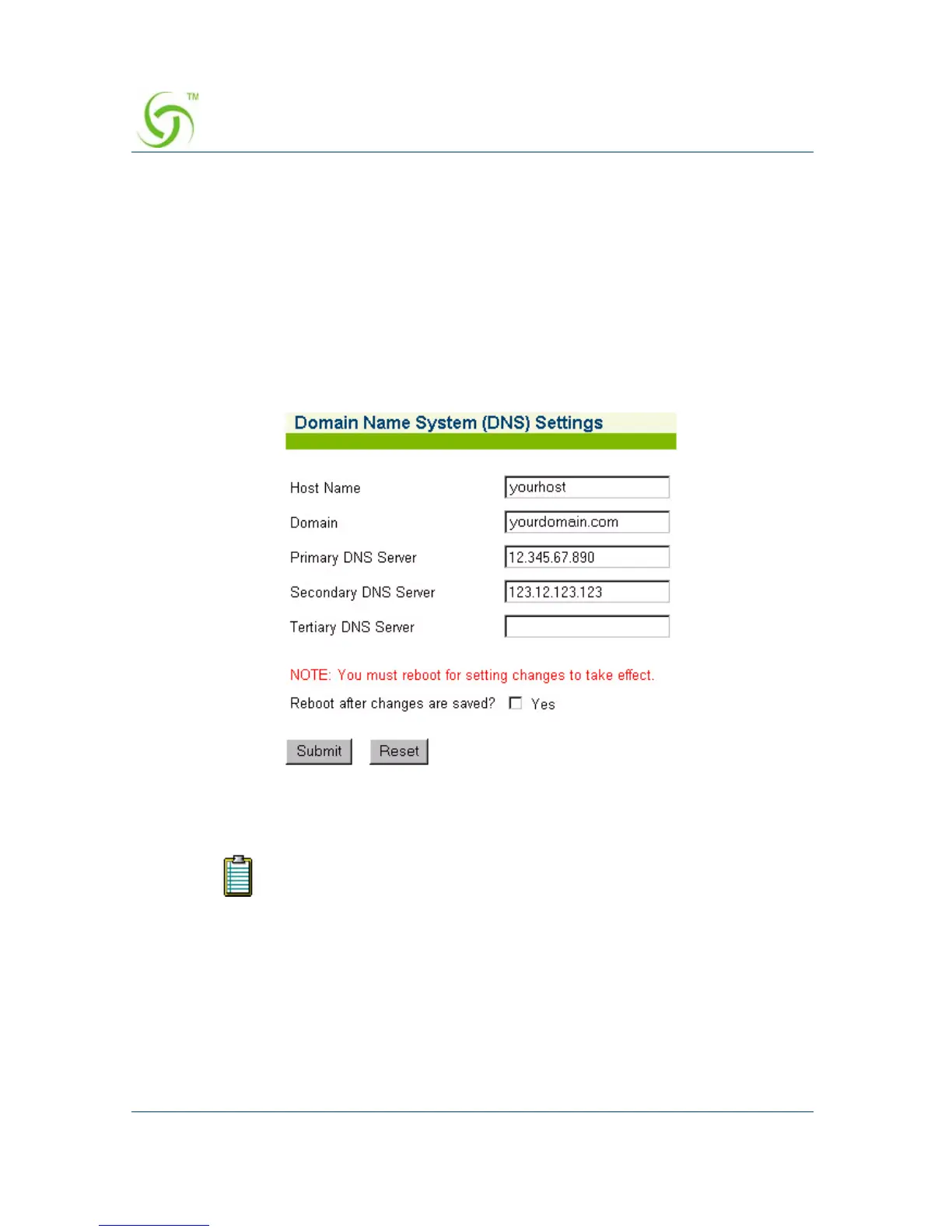
The Domain Name System (DNS) Settings screen appears:
2. Enter the Host Name (the DNS name of the HSG).
3. Enter a valid Domain name (the Internet domain that DNS requests will utilize).
The host name must not contain any spaces.



 To Next Page