HOTSPOT GATEWAY
System Administration 143
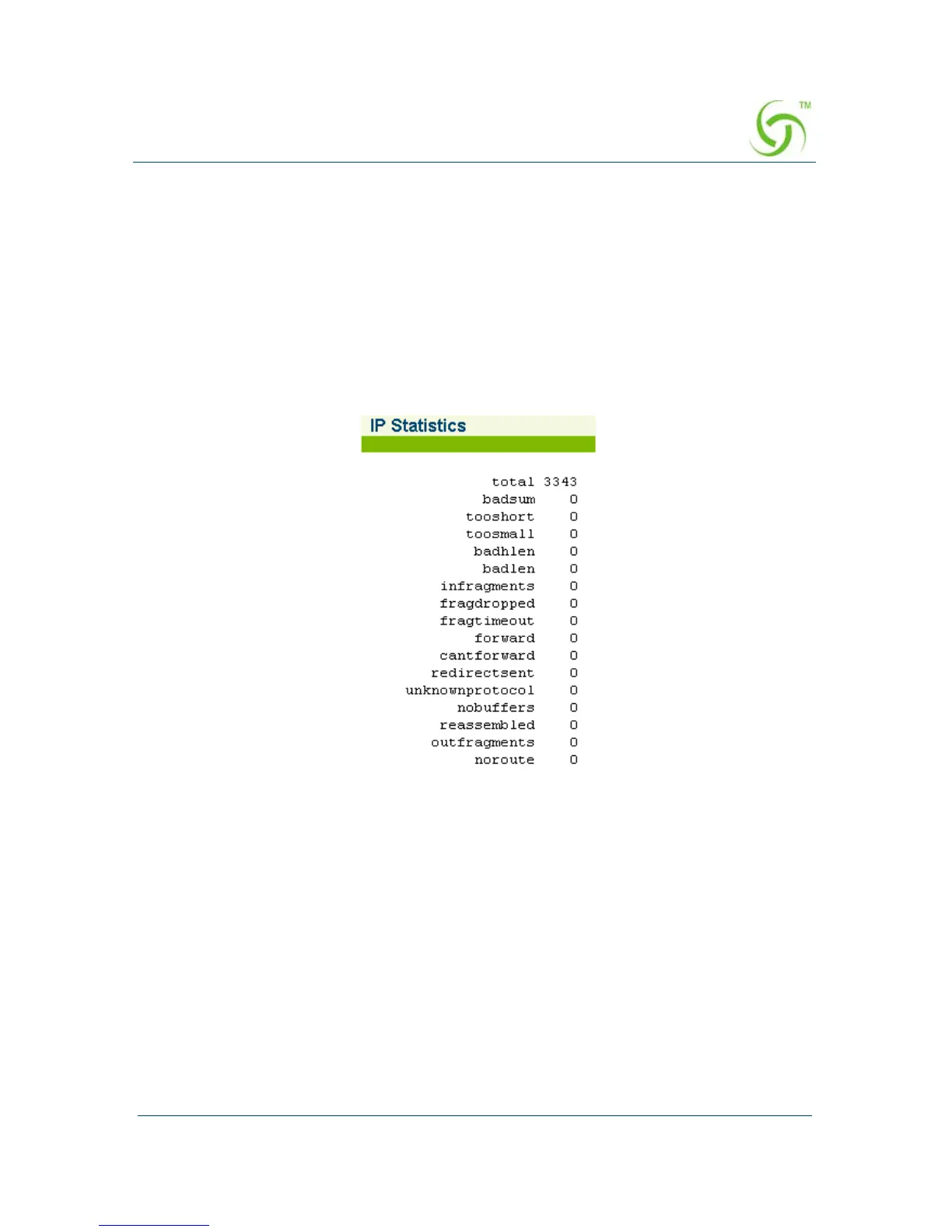
Displaying the IP Statistics {IP}
You can display the IP (Internet Protocol) statistics which are presented as a detailed
listing of all IP elements and their current status. With IP transmissions, data is
broken up into packets which are then sent over the network. By using IP addressing,
Internet Protocol ensures that the data reaches its destination, even though different
packets may “pass through” different networks to get to the same location.
To view the IP Statistics, go to the Web Management Interface, click on
Network
Info, then click on IP.
The IP Statistics screen appears:
Viewing IPSec Tunnel Status {IPSec}
To view the current IPSec Tunnel Status, go to the Web Management Interface, click
on
Network Info, then click on IPSec.



 To Next Page