HOTSPOT GATEWAY
92 System Administration
Defining IPSec Tunnel Settings {IPSec}
From the Web Management Interface, click on Configuration, then IPSec. (You
can also access IPSec from the CLI by going to Configuration->IPSec to configure
settings, and Network Info->IPSec to view IPSec Tunnel status.)
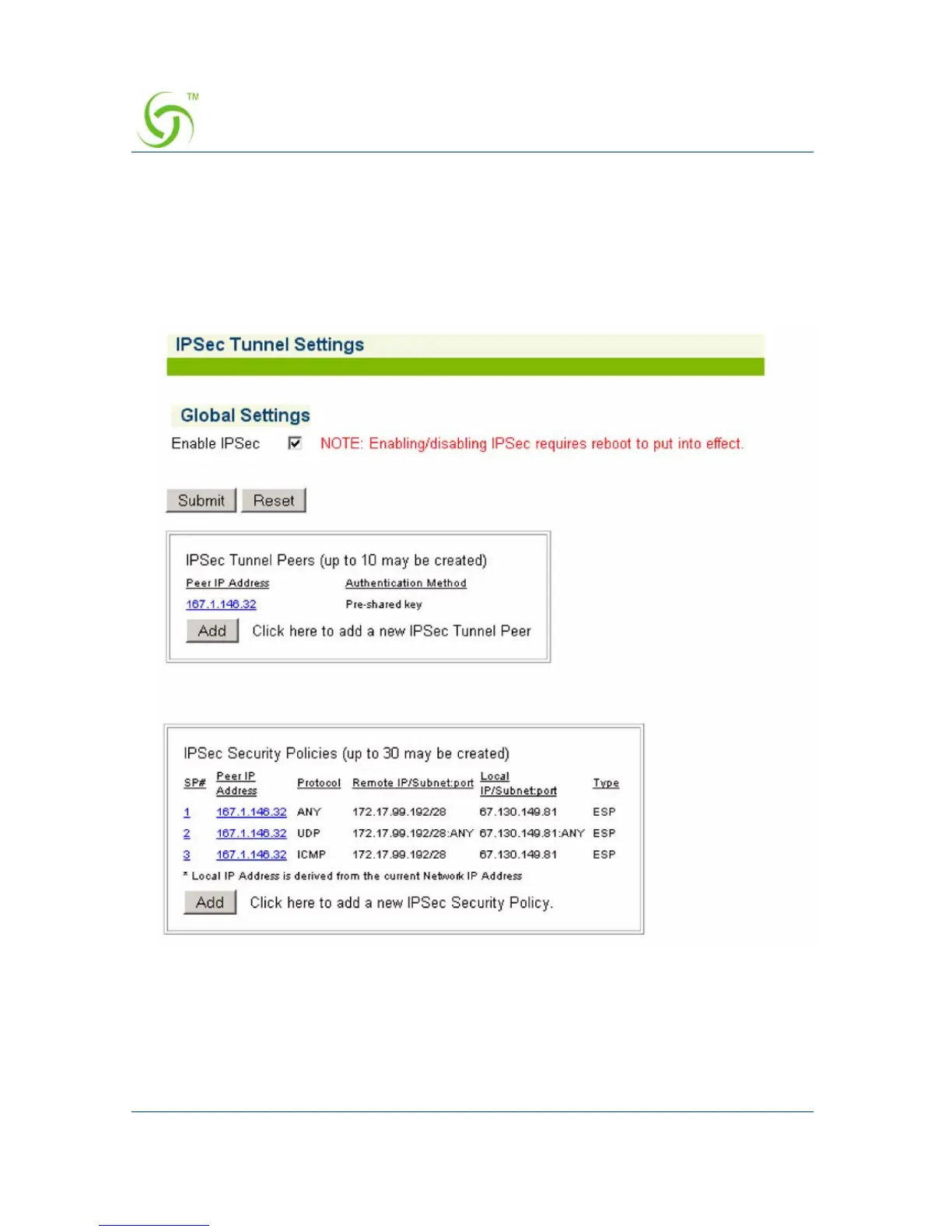
The IPSEC Tunnel Settings screen appears:
To enable this feature, click on the
Enable IPSEC check box.
Enable/disable with checkbox but requires a reboot.
Click on Add button in the Peers and Security Policy (SP) tables to add an entry.
Peer IP addresses in Peers and SP tables are links to the configured policies.



 To Next Page