HOTSPOT GATEWAY
System Administration 197
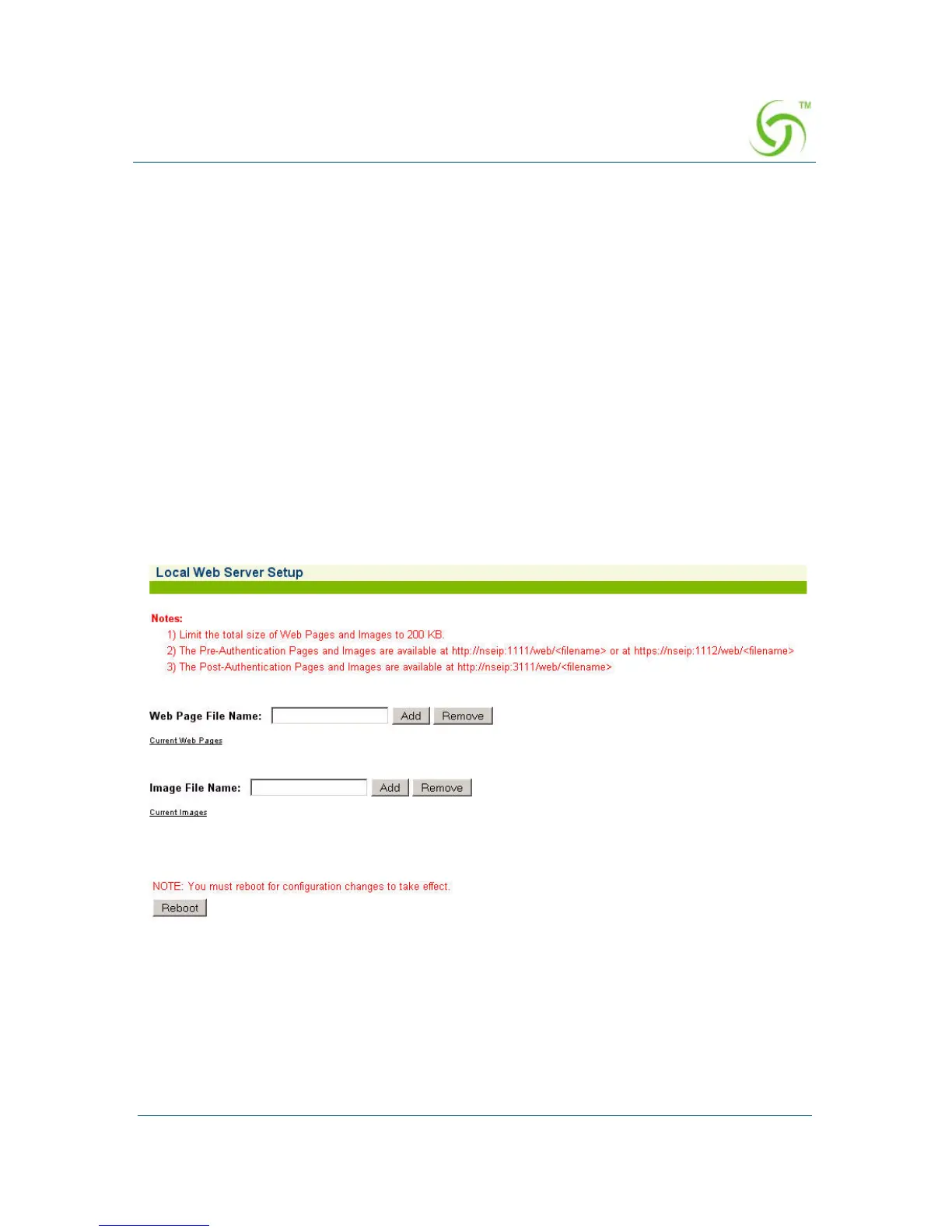
Enabling Local Web Serving {Local Web Server}
Here are the quick setup instructions to enable serving of local web pages.
1. Upload the required pages and images to the /flash/web directory using FTP.
Total file size of all pages and images cannot exceed 200 KB. File names should
be labeled using the 8.3 format.
2. Go to WMI->Subscriber Interface->Local Web Server and add the names of the
HTML or image files that were uploaded to the /flash/web directory.
3. Reboot the HSG.
4. The pages can now be served by referencing the URL http://nseip:1111/web/
<filename> or at https://nseip:1112/web/<filename> for preauthenticated end
users.
5. The post-authentication pages and images are available at http://nseip:3111/web/
<filename>
These settings are available under Subscriber Interface/Local Web Server menu.



 To Next Page