HOTSPOT GATEWAY
System Administration 221
Defining the Fail Over Options {Fail Over}
Many large scale networks require fail-over support for all devices in the public
access network. The HSG allows two Nomadix Gateways to act as siblings, where
one device will take up the users should the other device become disconnected from
the network. As part of this functionality, the settings (except IP addresses) between
the two devices will be synchronized automatically.
1. From the Web Management Interface, click on System, then FailOver.
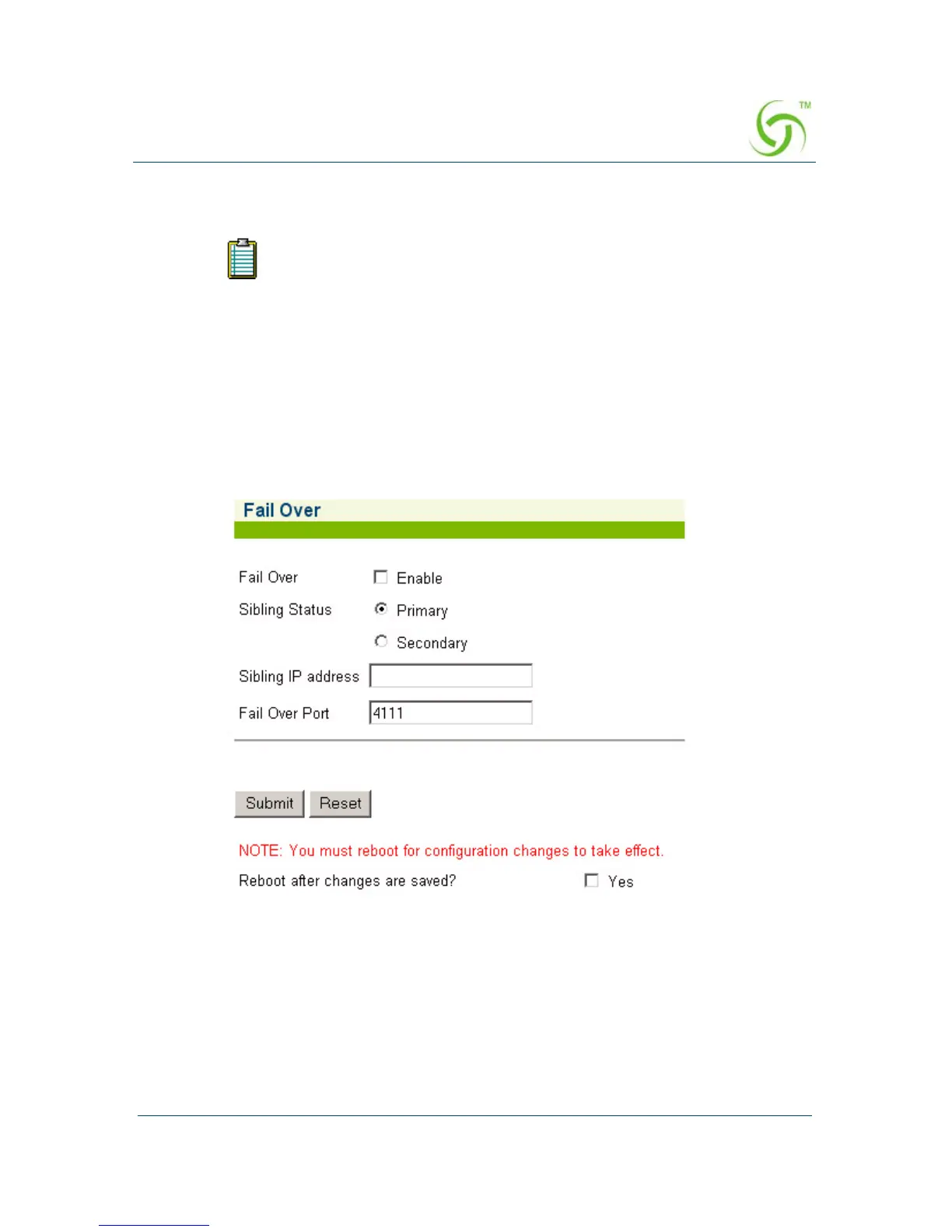
The Fail Over screen appears:
2. Enable or disable the Fail Over feature, as required.
3. If you enabled Fail Over, define the Sibling Status (Primary or Secondary).
4. Enter an IP address in the Sibling IP Address field.
5. Define the port in the Fail Over Port field.
Your product license may not support this feature.



 To Next Page