HOTSPOT GATEWAY
Installing the HSG 51
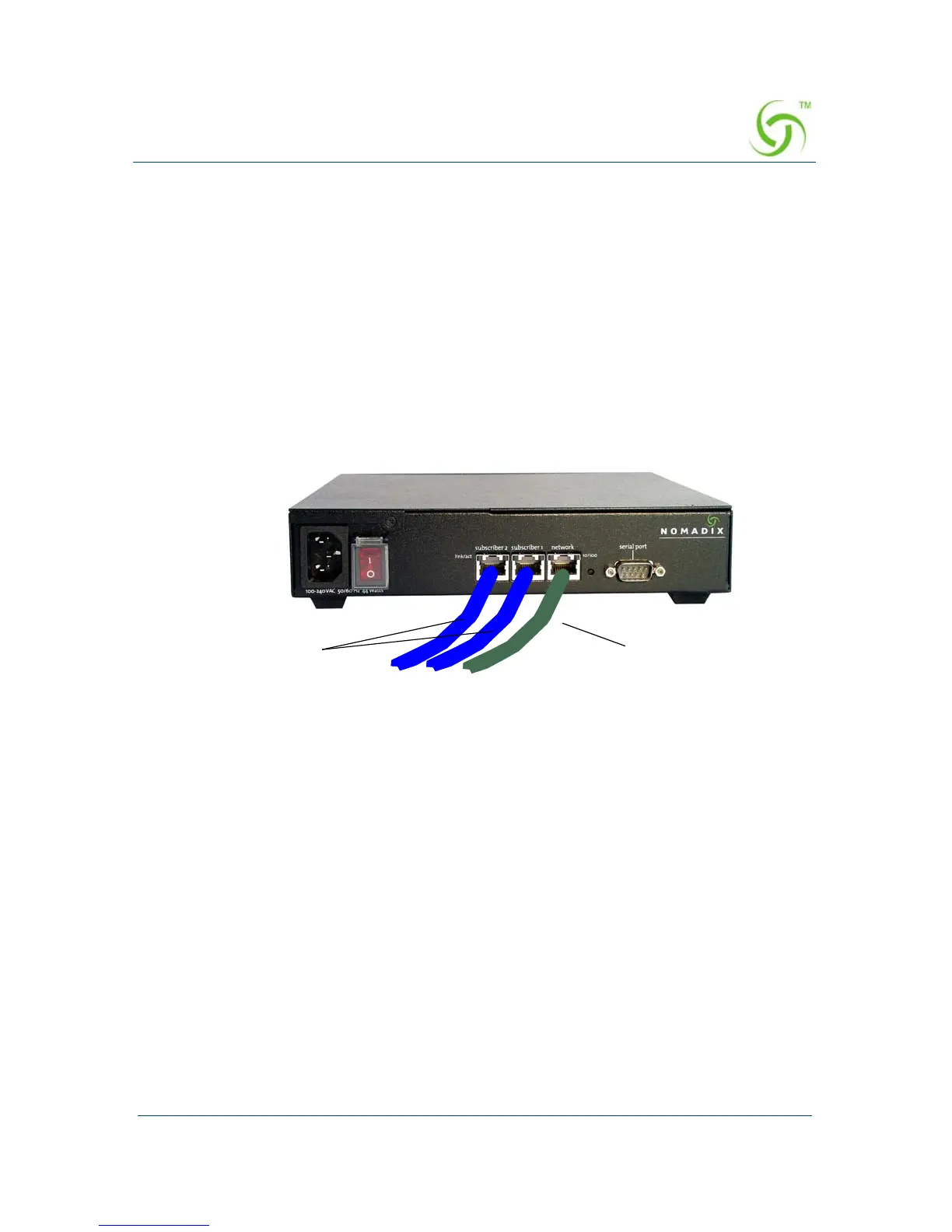
Connecting the HSG to the Customer’s Network
Use this procedure to connect the HSG to the customer’s network (after the start up
configuration parameters have been established).
1. Choose an appropriate physical location that allows a minimum clearance of 4cm
either side of the unit (for adequate airflow).
2. Connect the HSG to the router, then connect the HSG to the customer’s
subscriber port.
3. Connect the power cord and turn on the HSG.
4. Go to “Establishing the Basic Configuration for Subscribers” on page 52.
Rear Panel
To
Router
To
Subscriber Port



 To Next Page