HOTSPOT GATEWAY
System Administration 173
Deleting All Expired Subscriber Profiles {Expired}
This procedure shows you how to delete all expired subscriber profiles from the
HSG’s database of authorized subscribers. Use this procedure when you want to
“clean up” the subscriber database.
1. From the Web Management Interface, click on Subscriber Administration, then
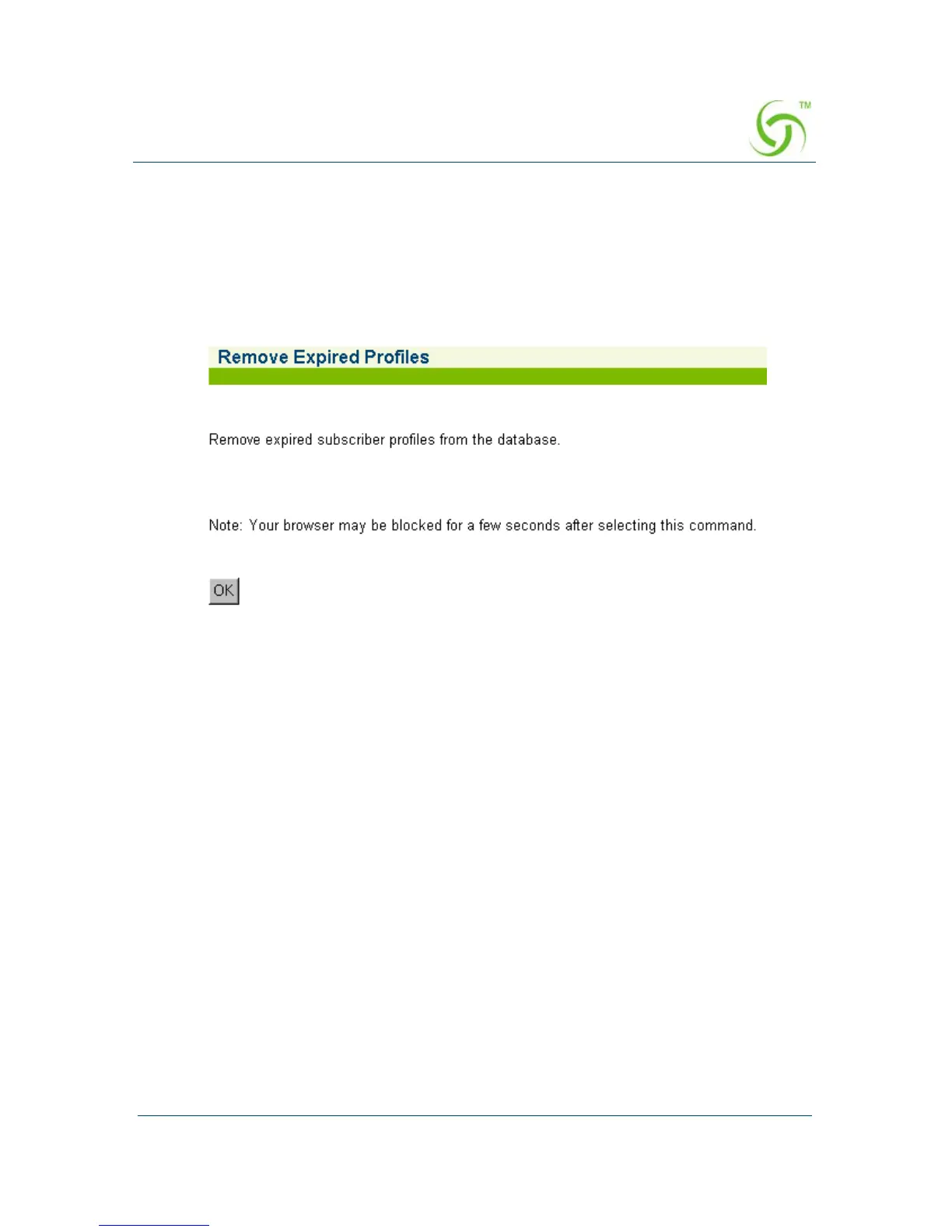
Expired. The Remove Expired Profiles screen appears:
2. Click on the OK button to remove all expired profiles.



 To Next Page