HOTSPOT GATEWAY
230 System Administration
Defining the MAC Filtering Options {Mac Filtering}
MAC Address filtering enhances Nomadix' access control technology by allowing
System Administrators to block malicious users based on their MAC address. Up to
50 MAC addresses can be blocked at any one time (see caution).
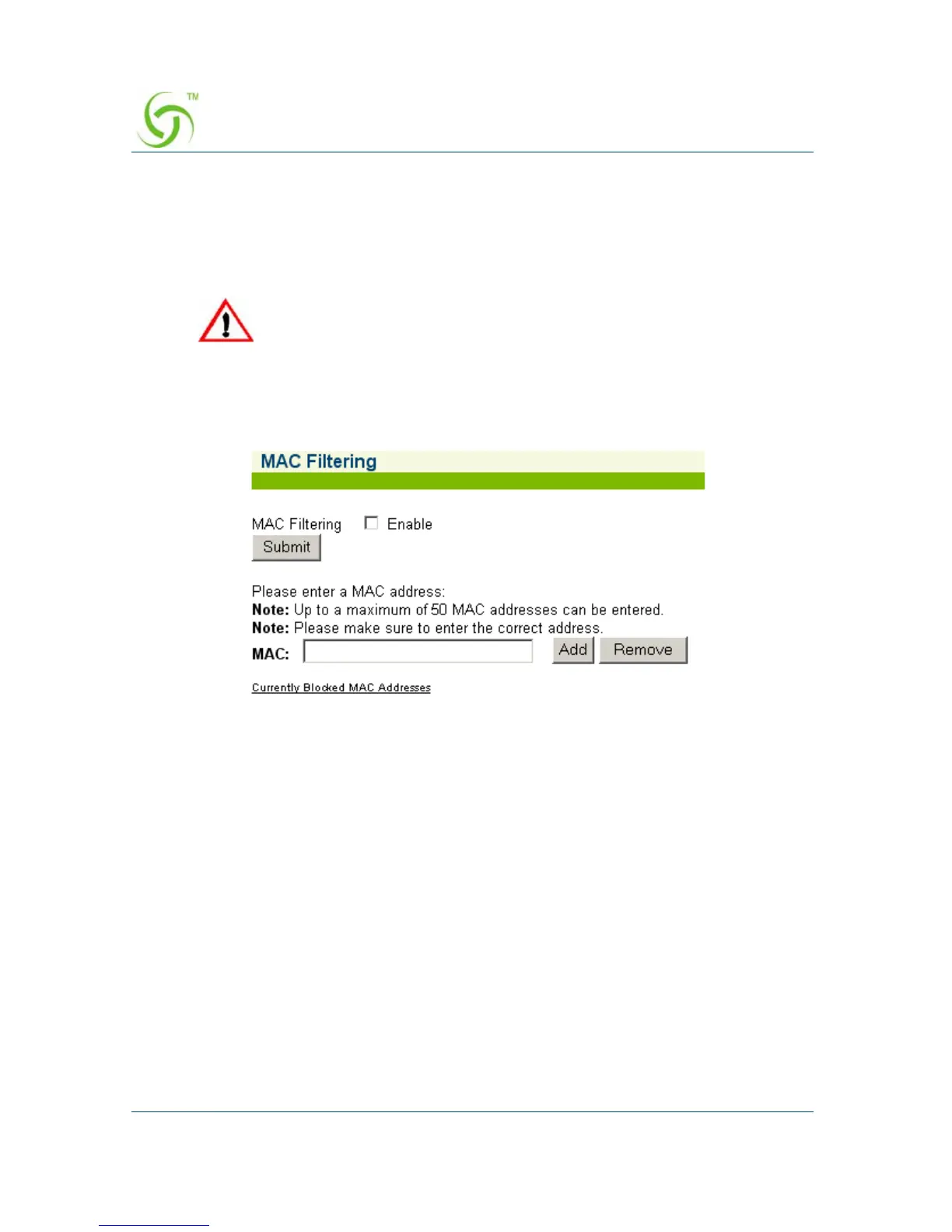
1. From the Web Management Interface, click on System, then MAC Filtering.
The MAC Filtering screen appears:
2. Click on the check box for MAC Filtering to enable (or disable) this feature, as
required.
3. Enter a MAC address in the MAC field, then click on the Add button to add this
address to the “blocked” list, or click on the
Remove button to remove this
address from the list.
For advanced security, see also, “Establishing Session Rate Limiting {Session
Limit}” on page 234.
MAC addresses that you enter here will cause the subscribers at these
addresses to be blocked from service. Please make sure that you enter
the correct addresses before submitting the data.



 To Next Page