HOTSPOT GATEWAY
System Administration 229
5. In the Confirm Password field, enter the password again to confirm it.
6. If you enabled Administration Concurrency, repeat steps 3 to 5 for an operator
login.
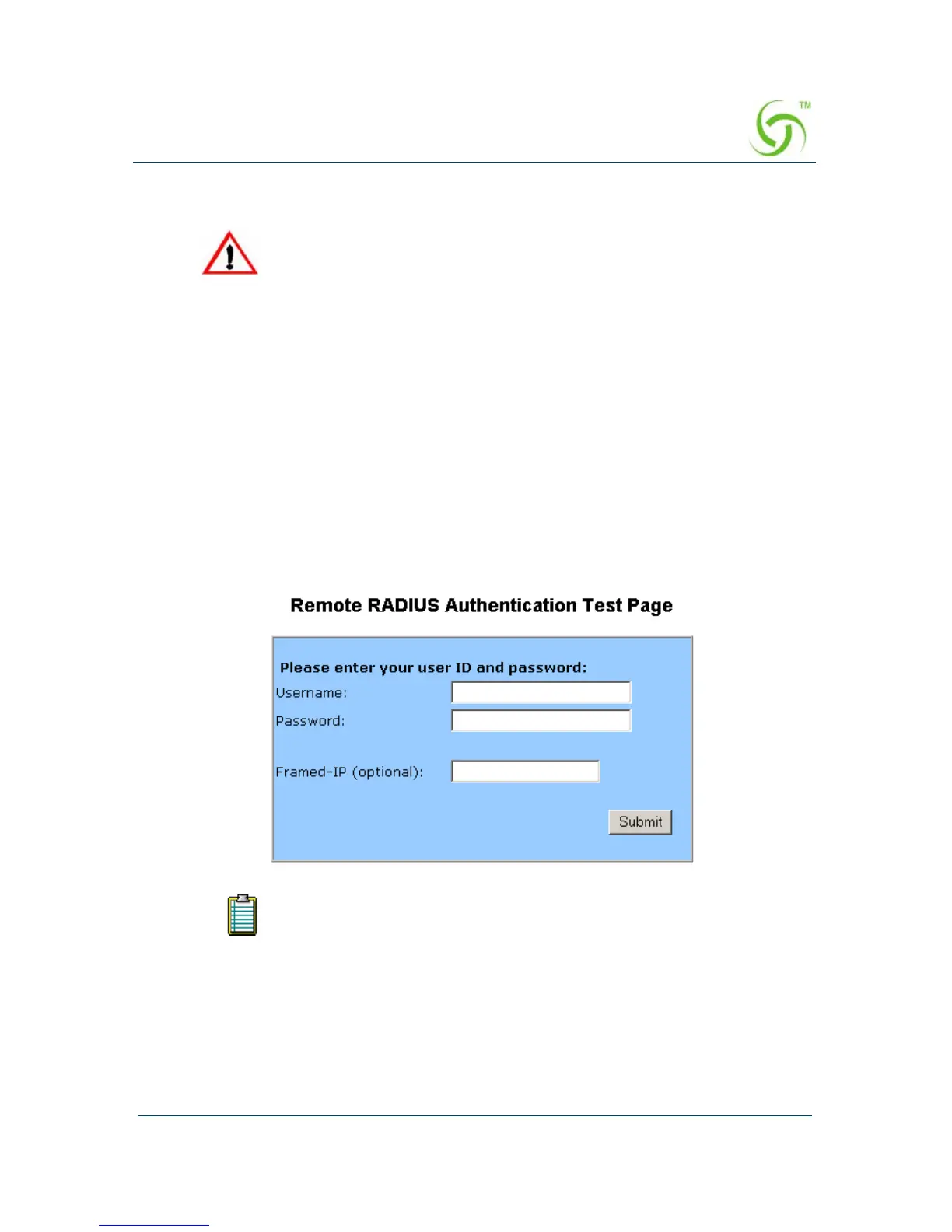
As part of its Smart Client feature, the HSG offers a remote RADIUS testing
feature (enabled by default). With this feature, the HSG provides a password-
protected Web page. From this Web page, technical support can type a username
and password and instruct the HSG to send a RADIUS access request to the
RADIUS server—following the same basic rules as if the request was from a
user. The URL for the test page is
http://HSG_IP/radtest/testradius.htm and can
be accessed from the network side of the HSG. You must open a separate browser
to utilize this feature. The “Framed IP” field is configurable by the user and can
be set to any IP address.
7. Managers Only: If RADIUS is enabled, you can enter a login name in the
Radius Remote Test Login field.
8. Managers Only: If you entered a login name in Step 7, enter a password in the
Radius Remote Test Password field.
9. Managers Only: Click on the Submit button to save the login and password
parameters, or click on the
Reset button if you want to reset all the values to
their previous state.
If you forget your password, you will need to contact technical
support. See also, “Appendix A: Technical Support” on page 311.
For RADIUS logins, the maximum number of characters for usernames
is 96. The maximum number of characters for passwords is 128.



 To Next Page