HOTSPOT GATEWAY
228 System Administration
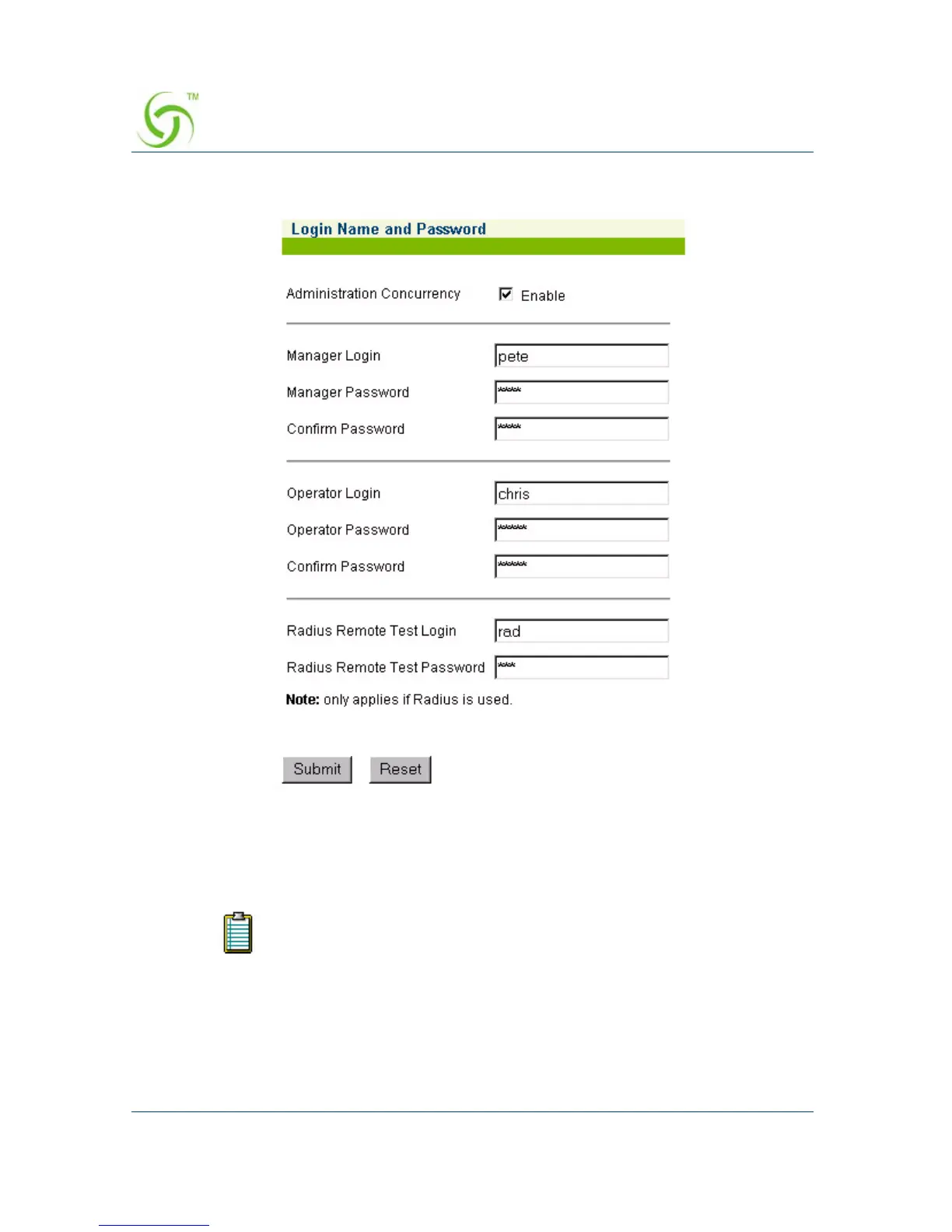
The Login Name and Password screen appears:
2. Click on the check box for Administration Concurrency if you want to assign
concurrent Manager and Operator logins.
3. In the Manager Login field, enter a login name for this manager.
4. In the Manager Password field, enter a password for this manager.
Login names and passwords are case-sensitive. Use login names and
passwords that are easy to remember (up to 11 characters, any
character type).



 To Next Page