HOTSPOT GATEWAY
System Administration 225
Establishing ICMP Blocking Parameters {ICMP}
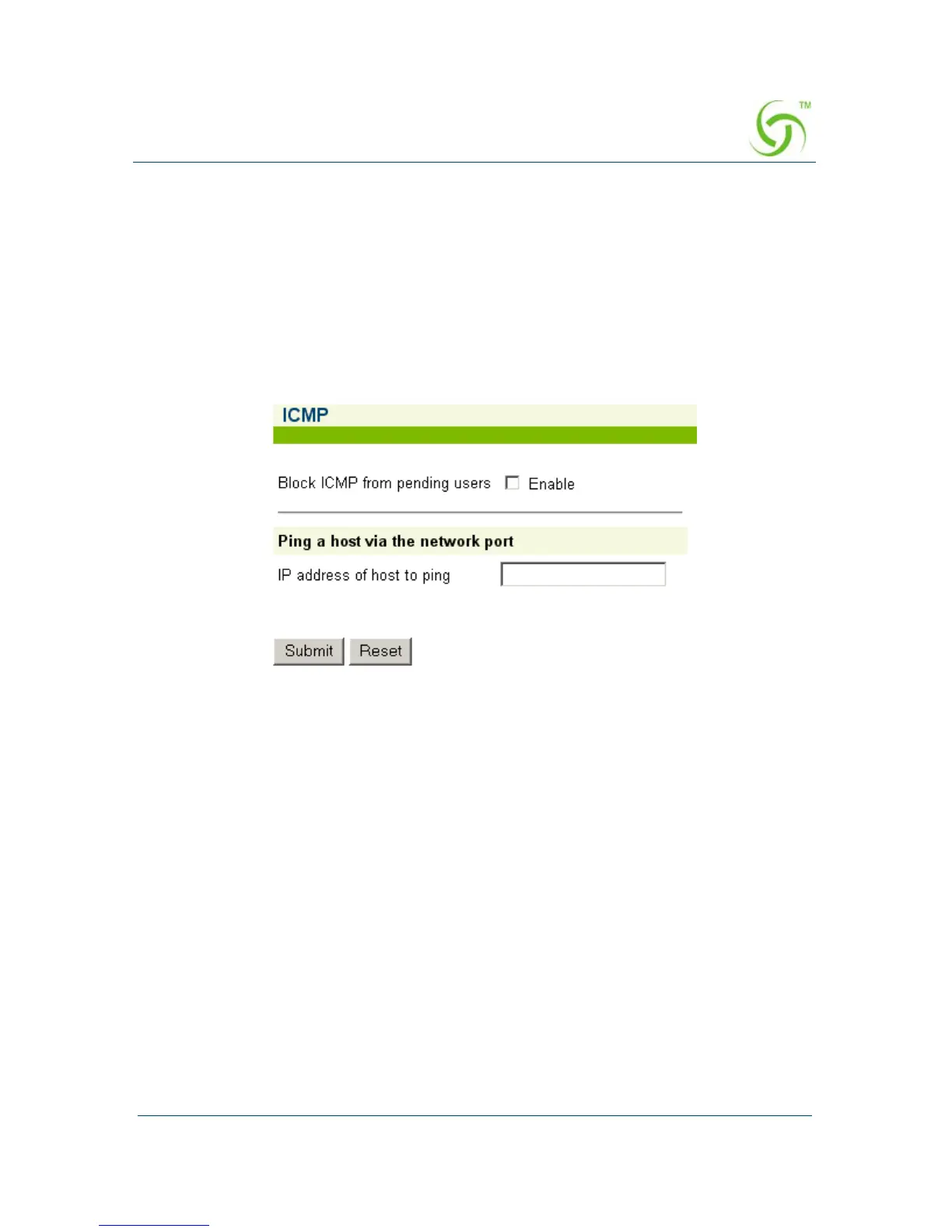
The HSG includes the option to block all ICMP traffic from “pending” or “non
authenticated” users that are destined to addresses other than those defined in the
pass-through (walled garden) list. The default setting for this option is “disabled”
since ICMP pass-through is a useful end-user troubleshooting feature and also
required by certain smart clients (for example, GRIC).
1. From the Web Management Interface, click on System, then ICMP.
The ICMP screen appears:
2. Click on the check box for Block ICMP from pending users to enable (or
disable) this feature, as required.
3. You can Ping a host via the network port by simply entering the IP address of
the host you want to ping then clicking on the
Submit button.
4. Click on the Submit button to save your changes, or click on the Reset button to
reset all values to their previous state.



 To Next Page